
Why ChatGPT Forgets What You've Rejected
How ChatGPT handles your decisions today
When you reject an approach mid-chat, that "no" is just another message in the context window. ChatGPT can see it while the conversation is short enough — but as the chat grows, older turns get squeezed out, and in a long session it starts recommending things you shot down early on. Open a new chat and every rejection resets to zero. Your decisions were never stored as decisions; they were transient text.
The technical reason it doesn't stick
ChatGPT's memory features weren't built to track a decision log. Memory holds compact personal facts and preferences — "I prefer concise answers" — not an evolving list of "approaches we've rejected and why." Projects group chats and files but don't accumulate rulings across conversations. There's no layer whose job is "remember what this person has already decided against," so nothing enforces it.
What this costs you
You re-argue settled questions, spending real time re-explaining why an idea is out. Worse, you stop trusting the output — every suggestion has to be checked against decisions ChatGPT can't see, which is exactly the "context degradation" long-conversation users describe: it ignores things established early, recommends explicitly rejected approaches, and forgets corrections even after acknowledging them. And across a team, everyone re-rejects the same ideas independently.
ChatGPT's Built-in Workarounds (and Where They Stop)
Memory
Good for standing preferences you want applied everywhere. Its limit is size and type: it holds a handful of short facts, not a growing decision log, and it isn't designed to capture "we rejected X because Y."
Custom instructions
You can list a few hard constraints ("never suggest jQuery") in custom instructions, and it helps for a stable handful. But it's a static field you maintain by hand — it doesn't grow as you make new decisions mid-project, and it's shared bluntly across every unrelated topic.
Starting a fresh chat
The common fix for a degraded long conversation is to start over — which instantly destroys every decision, correction, and rejection you'd built up, sending you back to re-explaining all of it. The cure reintroduces the disease.
The shared wall: your decisions live inside disposable conversations, in one app, on one account — the same root cause behind ChatGPT losing context between sessions.
The Fix: Give Your Decisions a Permanent Home
The durable move is to keep a decision log outside the chat — what you've chosen, what you've rejected, and why — that every session reads. MemoryLake stores those decisions once, searchable and versioned Git-style so you can see when a ruling changed, and end-to-end encrypted so your project's internals stay yours.
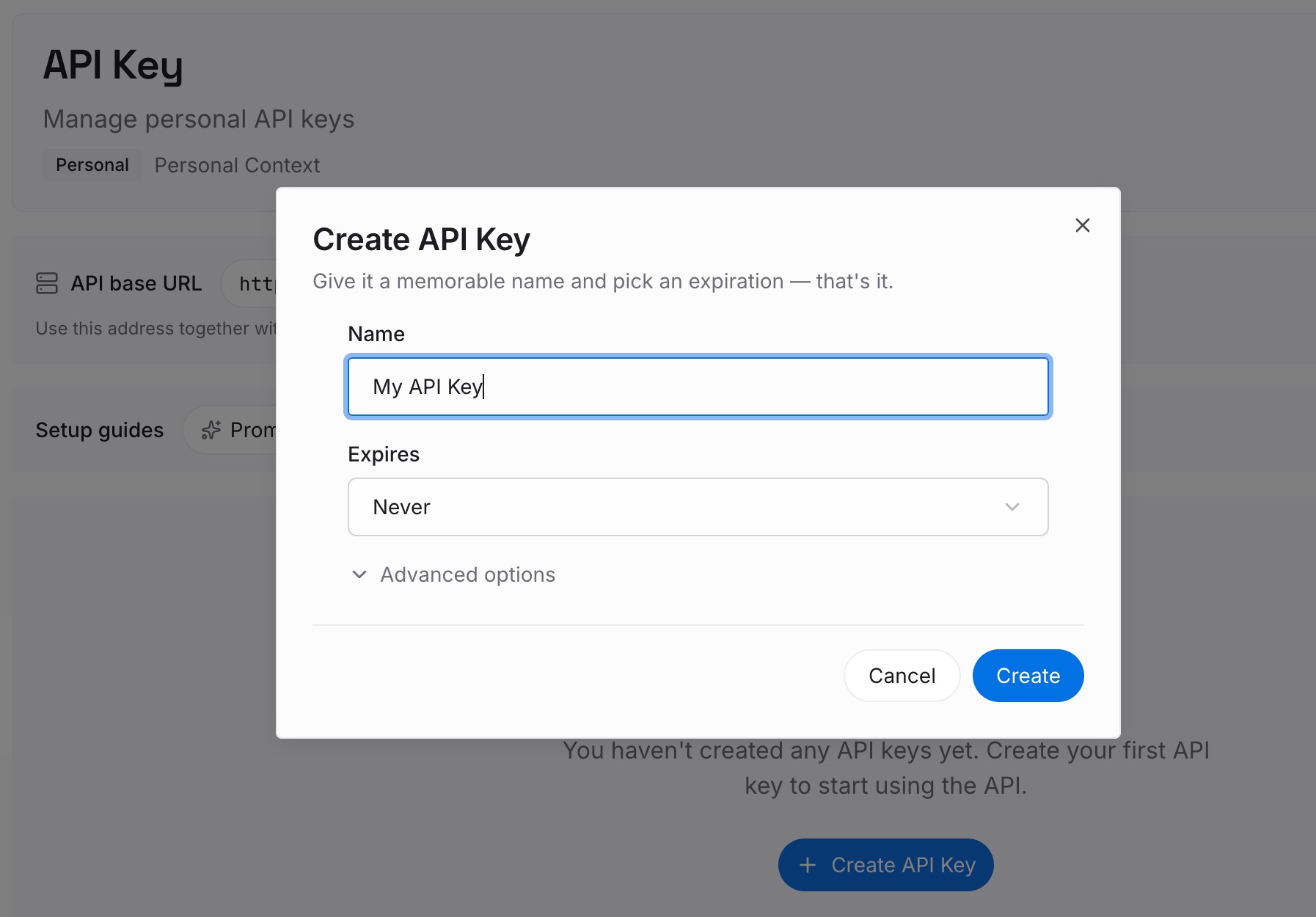
Step 1: Create an API key
Sign in to MemoryLake, generate a key, and make your first request — it takes about 30 seconds.
Step 2: Upload your first memories
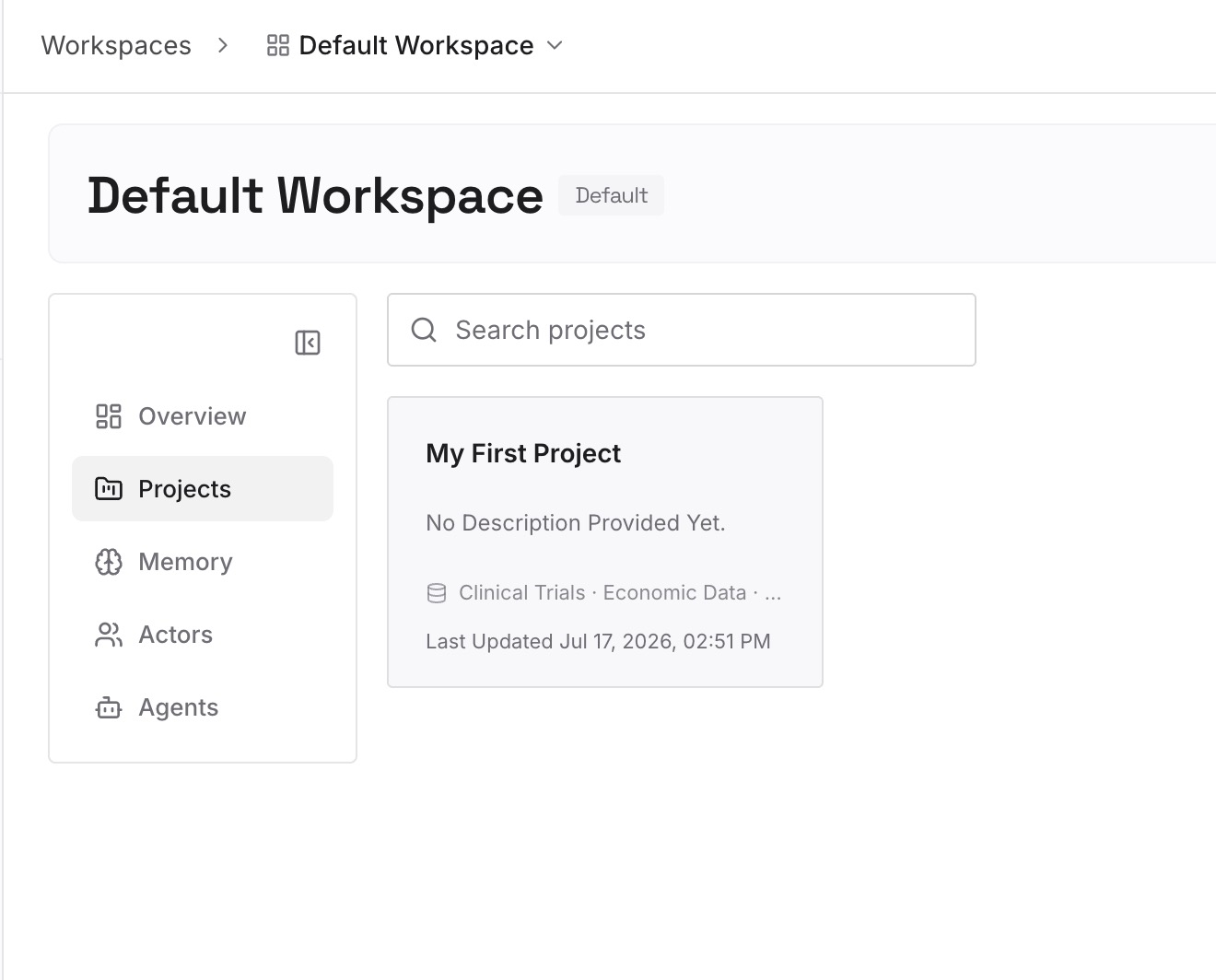
Capture the decisions and constraints ChatGPT keeps forgetting as text memories — "rejected Redis for the queue (ops overhead); chose SQS" — alongside the documents, images, and other files that back them. Each rejection you record once stops coming back.
Step 3: Connect your AI & agents
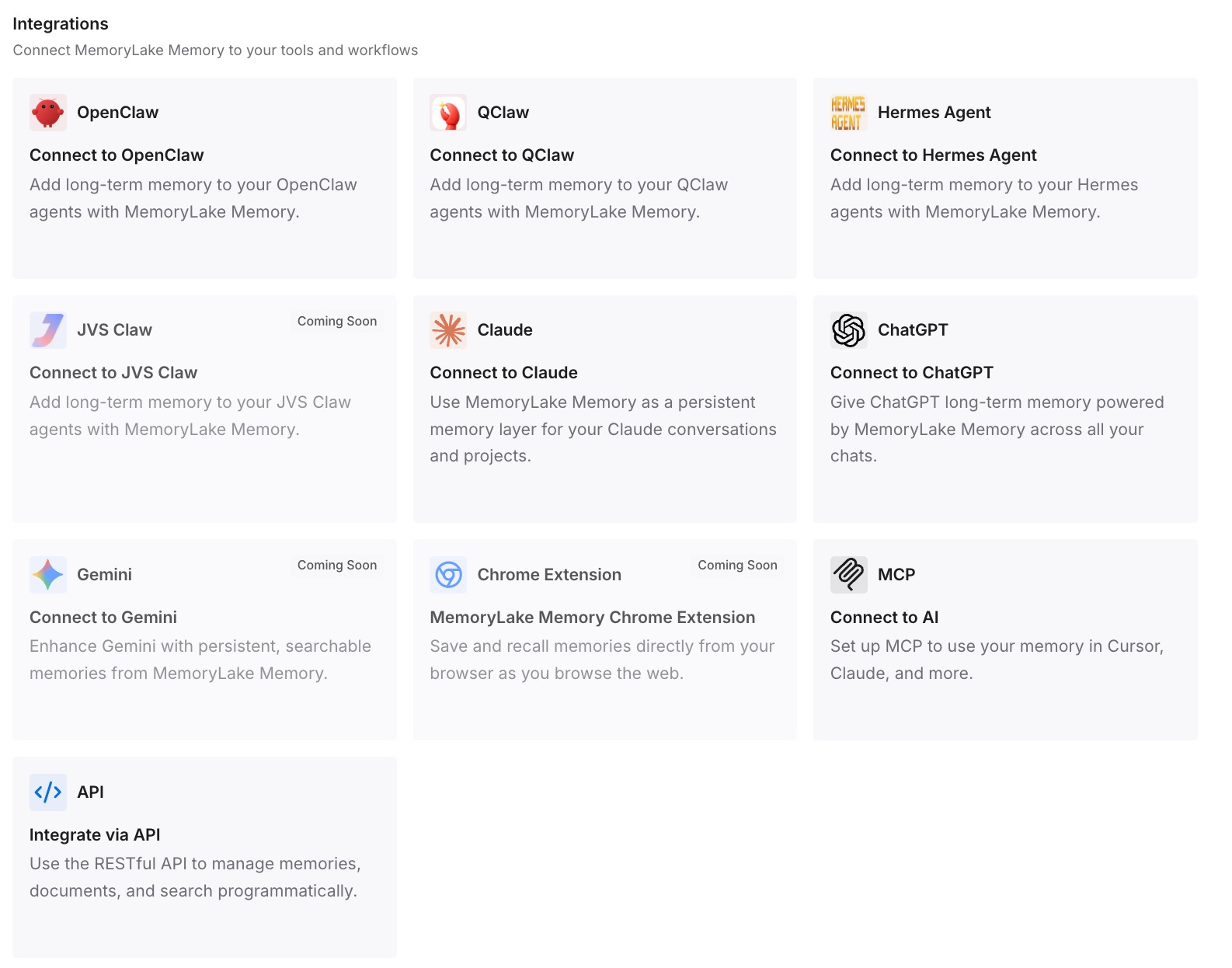
Connect ChatGPT through MemoryLake's ChatGPT integration or the API, so each session starts already aware of what's off the table. The same memory is available to Claude, Codex, OpenClaw, and other agents via MCP or the API — so a decision made once holds across every tool, not just the chat you made it in.
What Re-Litigating Decisions Actually Costs
The re-argument tax
Every rejected idea that resurfaces costs the same explanation again, plus the attention to catch it before it slips into your work. In long, high-stakes sessions, policing the model against its own forgotten decisions becomes a second job.
Retrieval instead of re-arguing
With a decision log in a persistent layer, the session retrieves your standing rulings on demand — so the suggestion arrives already filtered by what you've ruled out. Fewer bad suggestions, less checking, and in API workflows, leaner prompts too; MemoryLake's Token Saving Calculator projects the effect from your usage.
Best Practices for a Decision Memory
Record the rejection with its reason
"No" without "because" invites re-litigation. Store "rejected X because Y" so the ruling survives scrutiny and a future you (or teammate) doesn't reopen it.
Update rulings, don't delete them
When a decision genuinely changes, update the memory and let version history record the shift. That way "why did we change our mind on this?" has an answer.
Scope by project
One decision log per project keeps rulings relevant and prevents one project's constraints from filtering another's suggestions.
Conclusion
ChatGPT isn't stubborn — it's forgetful by design, and a rejected idea is just an old message it can no longer see. Keep your decisions in a persistent memory instead of in disposable chats, and "no" finally means no: every session, every teammate, every AI works from the same list of what's already been settled. Decide once; stop re-deciding.