
Why Your ChatGPT Project Context Keeps Disappearing
How ChatGPT handles project context today
Everything you explain to ChatGPT lives in that conversation's context window. Long chats eventually truncate their own history, and new chats start from zero. The knowledge you built up — decisions, constraints, background — was never written anywhere durable; it existed only as chat text.
The technical reason it doesn't stick
ChatGPT has two persistence features, and both were built for something narrower than "remember my project." Memory stores compact facts and preferences — useful for "I'm a PM, keep answers short," too small for a project's worth of decisions and documents. Projects are organizational: they group related chats, hold uploaded files, and apply project-level instructions. But files are re-read per conversation rather than becoming accumulated knowledge, and nothing from one project is visible anywhere else.
What this costs you
The re-briefing tax lands daily: every session opens with the same five minutes of background before real work starts. Decisions drift, because the chat where you settled the pricing logic isn't visible from the chat where you're writing the launch plan. And the context you've invested weeks building is locked to one app and one account — your teammate's ChatGPT, and your own Claude or coding agent, know none of it.
ChatGPT's Built-in Workarounds (and Where They Stop)
Projects
Projects are the right instinct: chats, files, and instructions in one container. Use them — they genuinely reduce cross-topic noise. Their ceiling: knowledge doesn't accumulate (each conversation still re-reads static files), nothing crosses project boundaries, and there's no version history when project facts change.
Memory
Memory works well for standing personal preferences that apply everywhere. It is deliberately small: short text entries, not documents, decision logs, or specs. Stuffing project context into it doesn't scale past a handful of facts.
Custom instructions
Custom instructions set a global tone and role — helpful, static, and shared across every topic, which makes them the wrong place for anything project-specific.
The shared wall: all three keep your context inside one vendor's chat app, per-account. The moment your project involves a second tool or a second person, the context has to be rebuilt by hand — the pattern behind why ChatGPT forgets project context in the first place.
The Fix: Give Your Project Context a Permanent Home
The durable approach is to keep project knowledge in a memory layer outside any single chat. MemoryLake stores your project's documents, decisions, and standing context once — parsed, searchable, and versioned Git-style — and serves them to ChatGPT and every other AI you use, with end-to-end encryption so nobody but you can read any of it.
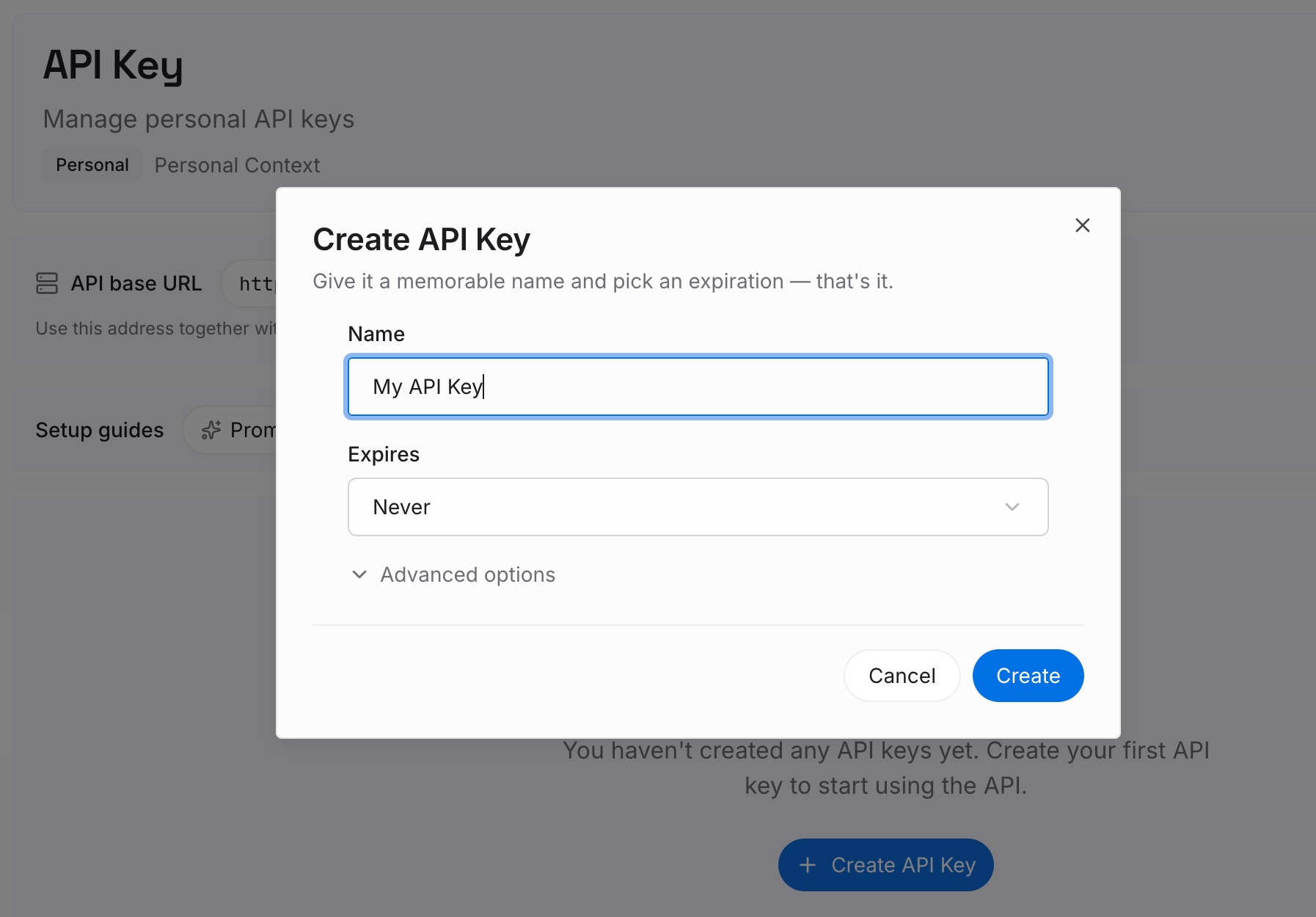
Step 1: Create an API key
Sign in to MemoryLake, generate a key, and make your first request — it takes about 30 seconds.
Step 2: Upload your first memories
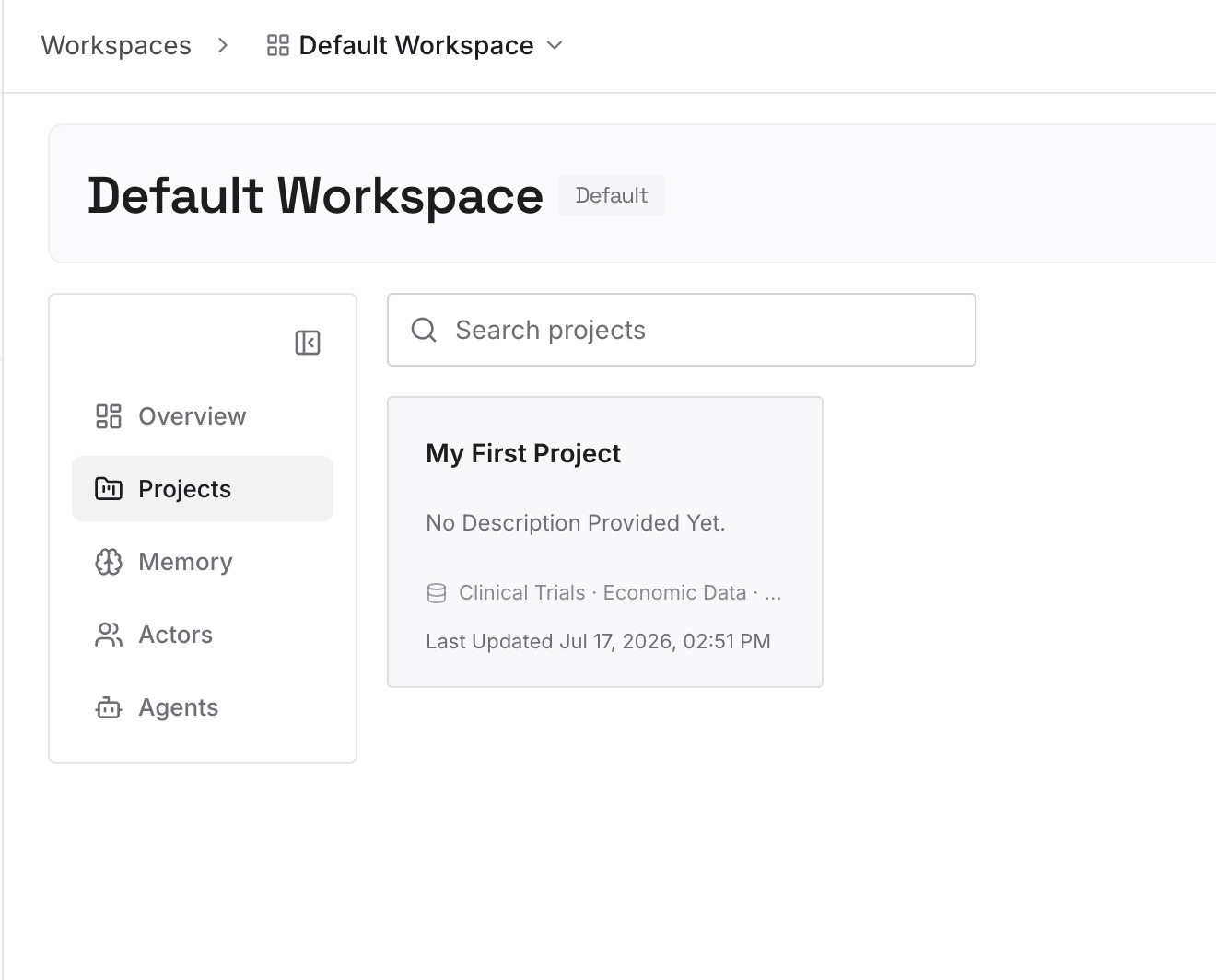
Drop in the documents, images, and other files your project runs on — the spec, the brief, the decision log, the reference PDFs. Add standing rules and project facts as text so they persist alongside the files.
Step 3: Connect your AI & agents
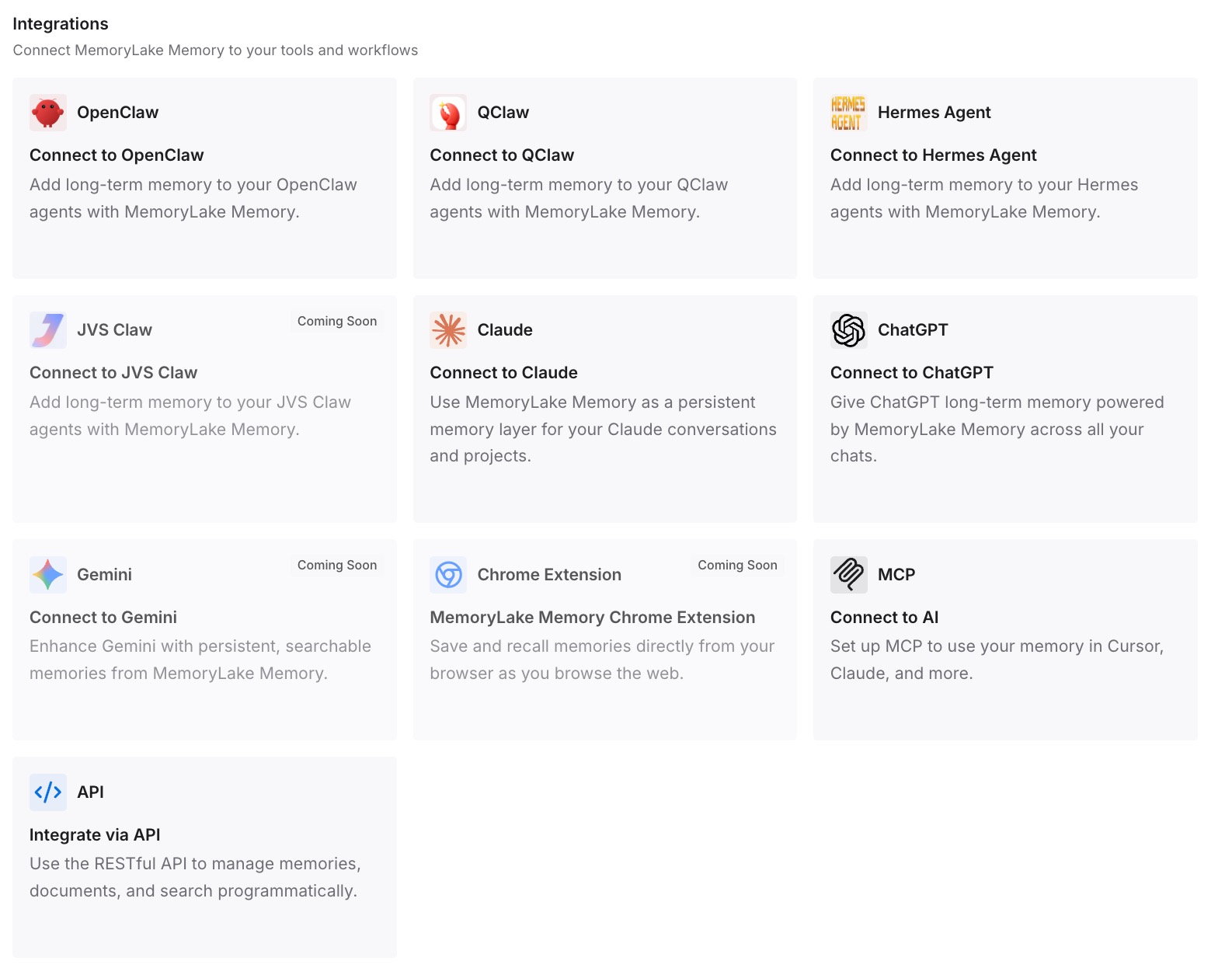
Connect ChatGPT through MemoryLake's ChatGPT integration, or via the API, so each conversation starts already briefed on the project. The same memory is available to Claude, Codex, OpenClaw, and other agents via MCP or the API — one project context, every tool.
What Re-Briefing Actually Costs
The five-minute tax, multiplied
A five-minute project recap per session, several sessions a day, across everyone touching the project, quietly becomes hours per week of restating what's already known — plus the subtler cost of sessions that proceed on slightly different versions of the truth.
Retrieval instead of repetition
With a persistent layer, each session pulls only the context relevant to the task instead of you front-loading everything. For API-driven workflows that cuts token spend too; MemoryLake's Token Saving Calculator projects the effect from your own usage.
Best Practices for Durable Project Context
Write decisions down as they happen
When a project decision lands in a chat, add it to your memory then and there — one line with a date. Decisions captured at the moment beat reconstructed summaries.
Keep one memory scope per project
Scoped memory keeps retrieval sharp and prevents one project's constraints from leaking into another's answers.
Retire superseded context
When the plan changes, update the memory rather than letting old and new versions coexist — version history preserves the trail without confusing the present.
Conclusion
ChatGPT's Projects and Memory are real improvements, but they were built for organization and preferences — not for holding a living project. Move the project's knowledge into a persistent memory once, and every chat, every teammate's session, and every other AI starts from the same brief. The context stops disappearing because it stops living in conversations.