
Why Perplexity Forgets Your Uploaded Files
How Perplexity handles files today
When you attach a PDF, spreadsheet, or image to a query, Perplexity parses it into that thread's context so follow-up questions can reference it. Nothing writes the file to a cross-thread store. Open a new thread — which Perplexity's search-first design encourages you to do constantly — and the context starts empty. There's also no library view of everything you've ever uploaded, so re-use means re-upload.
The technical reason it doesn't stick
This is a scoping decision, not a malfunction. Perplexity is built around fast, disposable search sessions; persistent file storage lives in one place only — Spaces, where files you attach become available to threads created inside that Space. Outside a Space, there is simply no persistence layer for attachments to land in.
What this costs you
The cost compounds quietly. You re-upload the same documents week after week — the market report, the product spec, the source PDFs behind your research — and repeat the same "here's the background" setup every time. Research fragments across threads: last week's analysis cited tables this week's thread can't see, so you can't build on your own findings. And teams duplicate effort: a colleague researching the same contract in their own account starts from zero, because your uploads live only in your threads.
Perplexity's Built-in Workarounds (and Where They Stop)
Spaces with file uploads
Spaces are the strongest built-in fix: create a Space per project, attach reference files, and every thread inside sees them — with custom instructions on top. The limits are scope and ceilings: files are locked to one Space, upload caps depend on your plan, and one-off searches outside the Space see nothing.
Continuing an old thread
Reopening a thread keeps its files in context, so some users run one endless mega-thread per topic. It works until it doesn't: threads grow unwieldy, and burying months of research in a single scroll defeats the product's search-first flow.
The wall they all share
Notice the pattern: your files end up siloed per Space, per thread, per account. The deeper problem arrives the moment your workflow leaves Perplexity. The sources you've curated there mean nothing to Claude, ChatGPT, or your coding agent — and if you ever migrate, the files don't come with you cleanly, which is exactly why guides like moving Perplexity Spaces to Claude exist.
The Fix: Give Perplexity a Persistent File Memory
The durable solution is to keep the files in a layer that outlives any thread — and any app. MemoryLake holds your documents once, already parsed and searchable, and serves them to any AI: complex layouts like dense spreadsheets and multi-column PDFs are handled by a dedicated visual parsing engine, production-tested on 100M+ documents, and end-to-end encryption means nobody but you can read them.
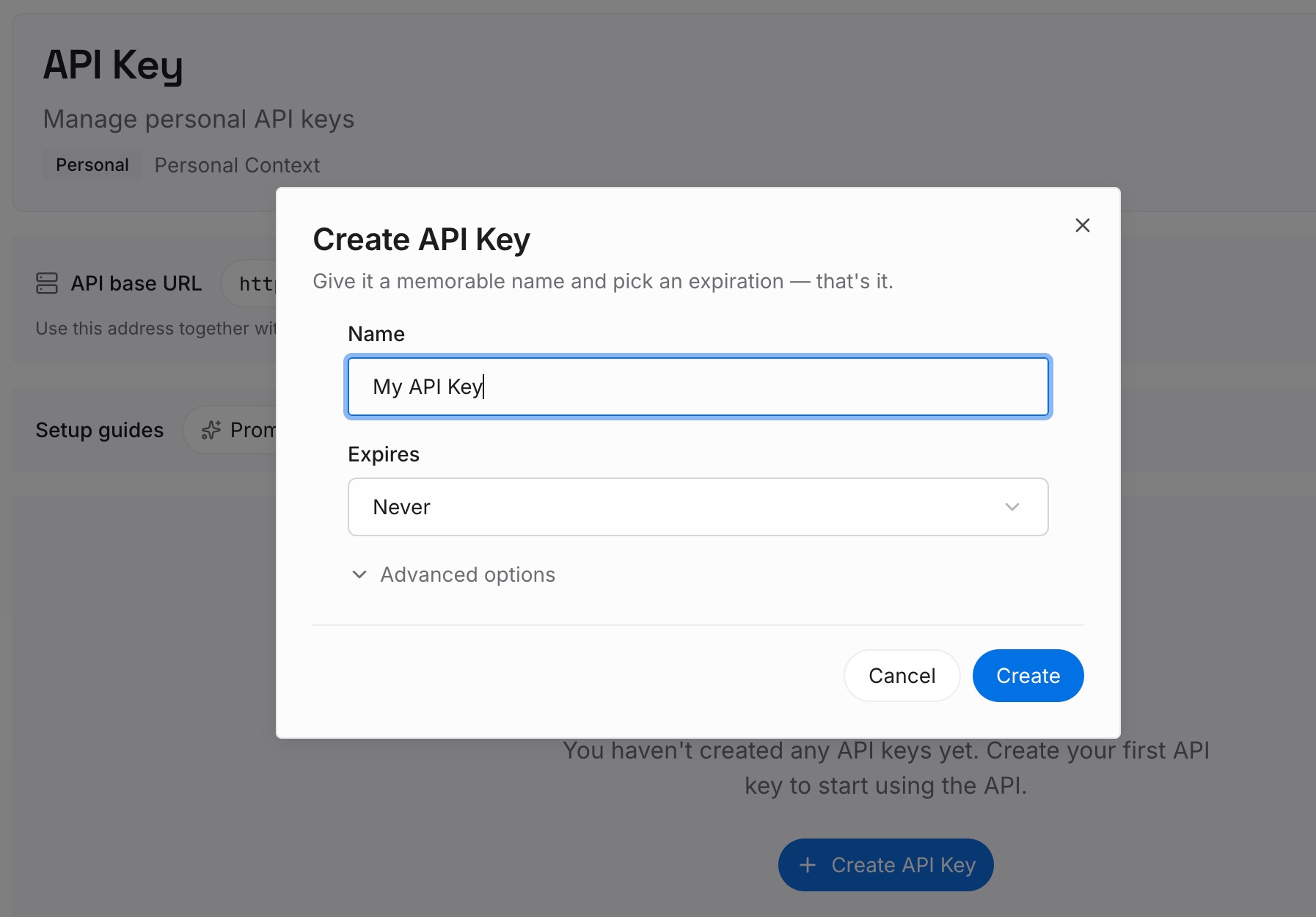
Step 1: Create an API key
Sign in to MemoryLake, generate a key, and make your first request — it takes about 30 seconds.
Step 2: Upload your first memories
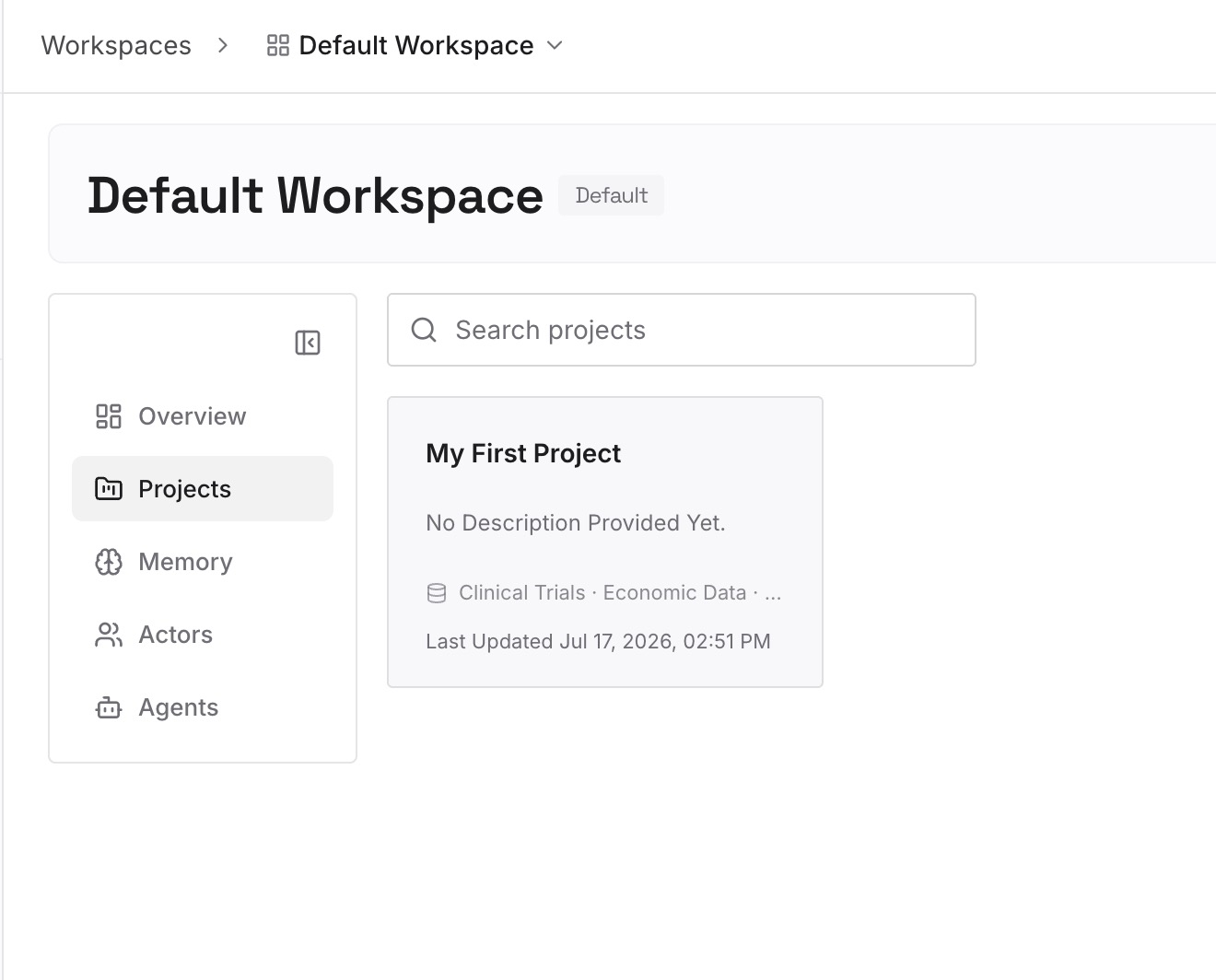
Drop in the documents, images, and other files your research depends on: reports, specs, source PDFs, datasets. Upload once — no per-thread re-attaching, no per-Space duplication.
Step 3: Connect your AI & agents
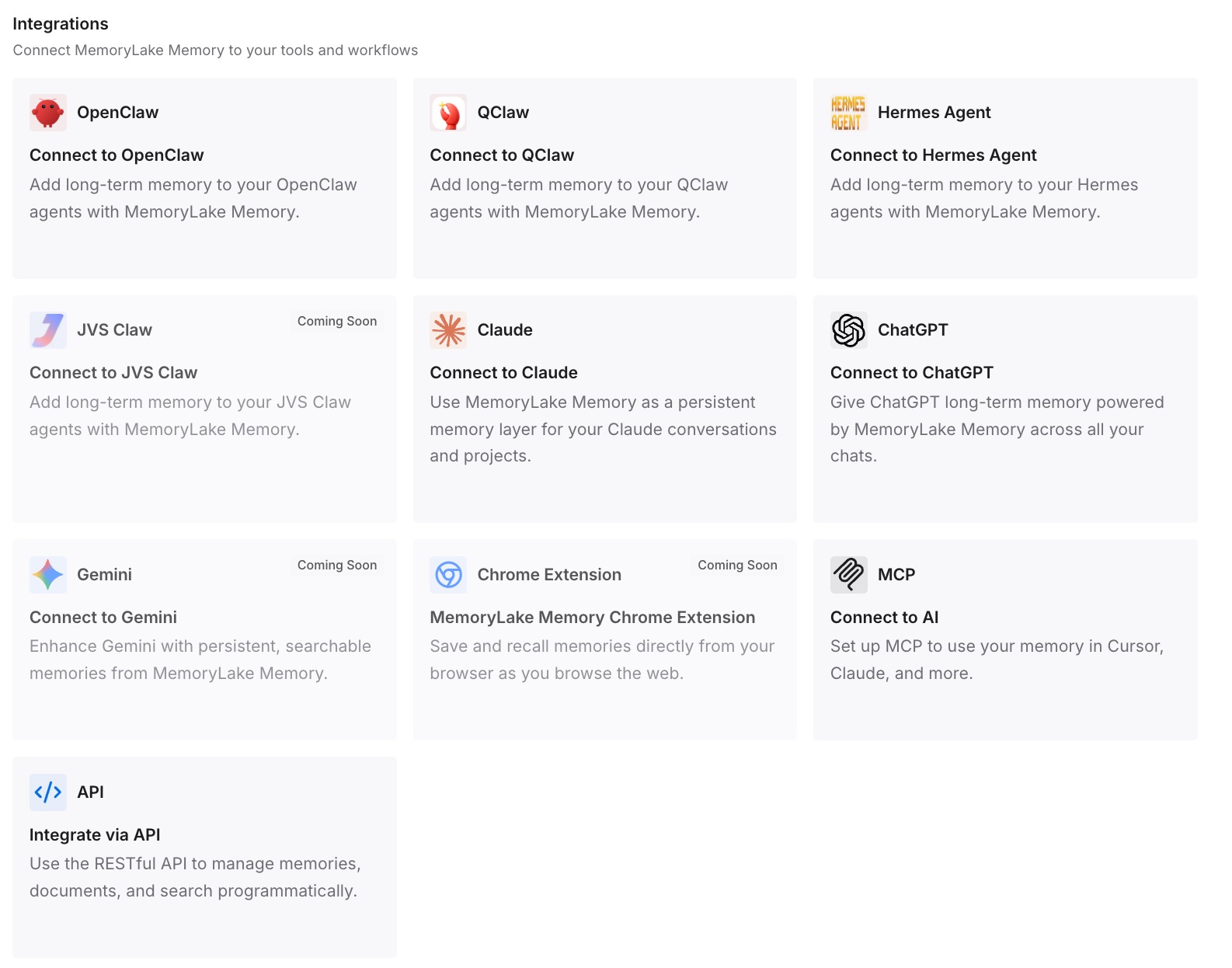
Perplexity has no MCP client today, so use the API: fetch the relevant memory with your key and include it in your Perplexity prompt or research workflow. The same memory is instantly available to Claude, Codex, OpenClaw, and other agents via MCP — so the library you build serves your whole toolchain, not one app.
What Re-Uploading Actually Costs
The repeat tax on research
Every re-upload carries hidden overhead: finding the file again, waiting for re-processing, and re-writing the background prompt that frames it. Across a team running recurring research, the same source documents get uploaded and re-explained dozens of times a month — pure duplication that produces nothing new.
Retrieval instead of re-attaching
With a persistent layer, the file is parsed once and retrieved on demand — your workflow pulls only the fragments relevant to the current question instead of re-feeding whole documents. That's faster for you, and for API-based pipelines it also cuts token spend; MemoryLake's Token Saving Calculator gives you a projection from your own usage numbers.
Best Practices for Managing Your Research Memory
Prune superseded sources
When a report gets a new edition or a dataset is revised, update or remove the old version — a memory layer serving stale sources is worse than none.
Name files for the question they answer
"2026-Q2-eu-market-sizing.pdf" retrieves better than "final_v3.pdf". Descriptive names and consistent prefixes make on-demand retrieval sharp.
Scope by project or client
Keep one memory scope per research stream rather than a single pile. Scoped memory keeps retrieval relevant and makes handoffs to teammates clean.
Conclusion
Perplexity's thread-scoped files aren't a bug — they're the shape of a search-first product. But your source library shouldn't live and die by that shape. Park the files in a persistent memory once, and every thread, every Space, and every other AI you use starts from the same informed baseline. The re-upload ritual ends there.