
What a skill is on each side
Anthropic's help center defines a skill in one line: "Skills are folders of instructions, scripts, and resources that Claude loads dynamically to improve performance on specialized tasks."
OpenAI's definition is close: "A skill is a directory with a SKILL.md file plus optional scripts and references. The SKILL.md file must include name and description."
Both tools load skills the same general way. Codex starts with each skill's name and description and loads the full instructions when it decides to use one. Anthropic describes Claude's version as progressive disclosure too, where Claude reviews available skills and loads the relevant ones.
So a skill folder is mostly portable. The question is how to get each one into a place Codex reads, and what to change on the way.
Where your Claude skills live
You may have skills in up to three places, and each moves differently.
Skills in the Claude app. These are skills you created in chat or uploaded as ZIP files on claude.ai or in Claude Desktop. They live on your account, not in a folder on your computer. Anthropic's help center explains how to get a copy: find the skill in your skills list, open its details, and download it. In the updated layout, the skills list is under Plugins, which replaced the Customize menu.
Skills in Claude Code. Personal skills live in ~/.claude/skills/<skill-name>/SKILL.md. Project skills live in a repository's .claude/skills/. Plugin skills live inside the plugin.
Skills synced from claude.ai into Claude Code. When you sign in to Claude Code with a claude.ai account, Claude Code downloads your account's skills into ~/.claude/skills/synced/. These are copies of your app skills, not separate originals. The documentation says edits there aren't saved back, so treat the app version as the source.
Before you move anything, list your skills in each place and note which ones are duplicates.
What Codex's importer brings over
Codex has an import flow, and it covers part of this. According to OpenAI's import documentation, the ChatGPT desktop app can import from Claude Code, Claude Cowork, or Cursor, and the CLI can import from Claude Code or Cursor. In the CLI, you run /import in an idle session.
Its table of imported items includes skills, which land in Codex skills, and slash commands, which become skills too. The documentation adds an assurance that matters during a migration: "Importing doesn't change or delete your existing agent setup."
So for skills that live in Claude Code, the importer is the first thing to try. For skills you made in the Claude app, the import documentation doesn't name the Claude app as a source. If you use Cowork, check what the desktop app's import offers on its item list. For anything not listed there, download the skill and install it by hand.
We covered how the importer handles Claude Code plugins, which can bundle skills with hooks and MCP servers, in our guide to migrating Claude Code plugins to Codex.
Where Codex reads skills
Codex reads skills from four kinds of locations:
- Repository:
.agents/skillsin your current folder and every folder above it up to the repository root. - User:
$HOME/.agents/skills, for skills you want in every repository. - Admin:
/etc/codex/skills, a shared system location. - System: skills bundled with Codex, including
skill-creatorandskill-installer.
The paths differ from Claude Code's. A personal Claude Code skill in ~/.claude/skills/ maps to ~/.agents/skills/ in Codex. A project skill in .claude/skills/ maps to .agents/skills/ in the repository.
Codex also handles duplicate names differently. The documentation says: "If two skills share the same name, Codex doesn't merge them; both can appear in skill selectors." If you import a skill and then copy the same one by hand, you can end up with two.
Which frontmatter fields carry over
This is where the editing happens.
Anthropic's documentation splits skill frontmatter into two groups. Claude Code accepts a long list of fields. But for claude.ai skill uploads and the Skills API, only six are allowed: name, description, license, compatibility, metadata, and allowed-tools.
That has a useful consequence. Skills you uploaded to the Claude app already use the shared format, so they need the least editing.
Skills written for Claude Code may use fields only Claude Code acts on, such as argument-hint, disable-model-invocation, paths, context, model, effort, or hooks. Codex's documentation requires name and description and doesn't describe those other fields, so don't count on them doing anything in Codex.
Some of them have a Codex equivalent:
disable-model-invocation: truekeeps Claude from invoking a skill on its own. In Codex, the same effect comes from an optionalagents/openai.yamlfile withallow_implicit_invocationset to false. OpenAI's documentation says Codex then won't invoke the skill implicitly, and explicit invocation still works.- A missing
nameworks in Claude Code, which falls back to the folder name. Codex requires it, so add one.
Check the description while you're there. Codex shortens descriptions when many skills are installed, and its documentation advises: "Front-load the key use case and trigger words so a host can still match the skill if descriptions are shortened."
What doesn't carry over in the body
Claude Code supports features inside a skill's instructions that other tools don't. Anthropic's documentation names them: "Claude Code-only body features, such as dynamic context injection, don't function in claude.ai chat or through the API."
The same applies when moving to Codex. Look for:
- Shell lines that inject output, written with an exclamation mark before a command. Claude Code runs them before the skill loads.
- Placeholders such as
${CLAUDE_PROJECT_DIR}and argument substitutions. - File references with
@that Claude Code attaches.
OpenAI's import documentation lists the same category among things to review after importing: "Prompt templates or command-style prompts that depend on arguments, shell interpolation, or file-path placeholders." Rewrite these as plain instructions, or move the command into a script in the skill's scripts/ folder and tell Codex when to run it.
Turning skills on and off in Codex
Once your skills are in place, you may want some of them available but quiet. Codex lets you disable a skill without deleting it, using [[skills.config]] entries in ~/.codex/config.toml. Each entry points at one skill by its path or matches every skill with a given name, and sets it to disabled. OpenAI's documentation adds that when more than one entry matches a skill, the last matching entry wins.
If a skill you added doesn't show up, the documentation says Codex detects skill changes automatically, and adds: "If an update doesn't appear, restart Codex." The same applies after changing the configuration file.
Tool permissions inside skills
Claude Code's allowed-tools field pre-approves tools for the turn that invokes a skill. OpenAI's import documentation lists "Tool restrictions or permissions in imported skills and agents" as something to review after importing.
Codex has its own permission model, with sandboxing, approvals, and command rules. A skill that ran without prompts in Claude Code may ask for approval in Codex. Decide whether that's the behavior you want before adding broader rules to make it quiet.
Workspace skills and sharing
If you use skills in ChatGPT as well, OpenAI's skill controls documentation separates three kinds: ChatGPT workspace skills, local filesystem skills, and plugins. It warns: "Moving a skill doesn't transfer ChatGPT workspace ownership, sharing, role assignments, plugin installation state, or connector authorization."
So a skill your team shared in Claude doesn't arrive shared in Codex. To give a team the same skill, OpenAI's documentation recommends packaging it as a plugin, which works in Codex and in ChatGPT.
What people try first
Copying skills into ~/.codex. Codex reads user skills from ~/.agents/skills.
Expecting the importer to find Claude app skills. Download those and install them by hand.
Keeping Claude Code-only fields. Codex requires name and description and doesn't describe the rest.
Leaving shell injection lines in place. They're a Claude Code feature.
Importing and copying the same skill. Codex keeps both.
The manual migration
Step 1: List your Claude skills
Check the Claude app's skills list, ~/.claude/skills, and each repository's .claude/skills.
Step 2: Run the importer for Claude Code skills
Use /import in Codex CLI, or Import in the ChatGPT desktop app settings.
Step 3: Download your Claude app skills
Save each custom skill from its details page and unzip it.
Step 4: Place each skill where Codex reads it
Use ~/.agents/skills for personal skills and .agents/skills for repository skills.
Step 5: Edit the frontmatter
Keep name and description, and move invocation settings to agents/openai.yaml.
Step 6: Rewrite Claude Code-only body features
Replace shell injection and placeholders with instructions or scripts.
Step 7: Test each skill
Invoke it with $ or /skills, then check that a matching request triggers it.
The Better Way: Keep the reasons behind your skills in one place
A skill records how to do a task. The reasons behind it, such as why the release notes follow that structure, which reviewer asked for a rule, or which edge case a step handles, may not be in the file. When the files move to a new tool, the steps arrive and the reasoning stays wherever someone remembers it.
MemoryLake is a memory layer for that kind of working context, such as conventions, decisions, and the reasons behind your workflows, kept in one place you maintain and available to the assistants you connect, such as ChatGPT, Claude Code, and Codex.
You write the entries yourself, in your own words. Nothing is read out of, written to, or deleted from your Claude skills, your Codex skills folders, your config.toml, your plugins, or any vendor's store. Skills work the way Anthropic and OpenAI describe them.
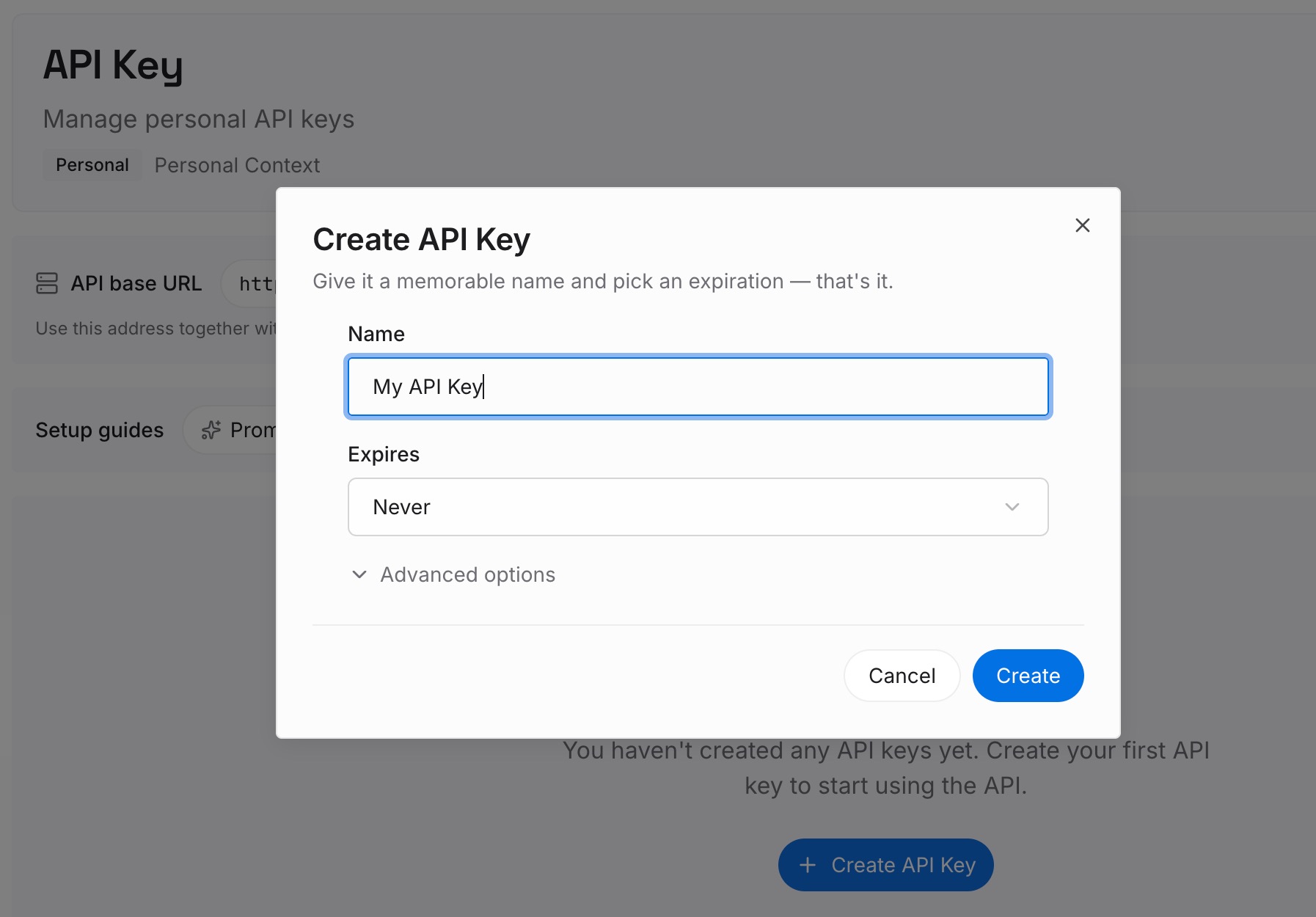
Step 1: Create an API key
Sign in and generate a key from the dashboard. Store it outside your repositories, like any other credential.
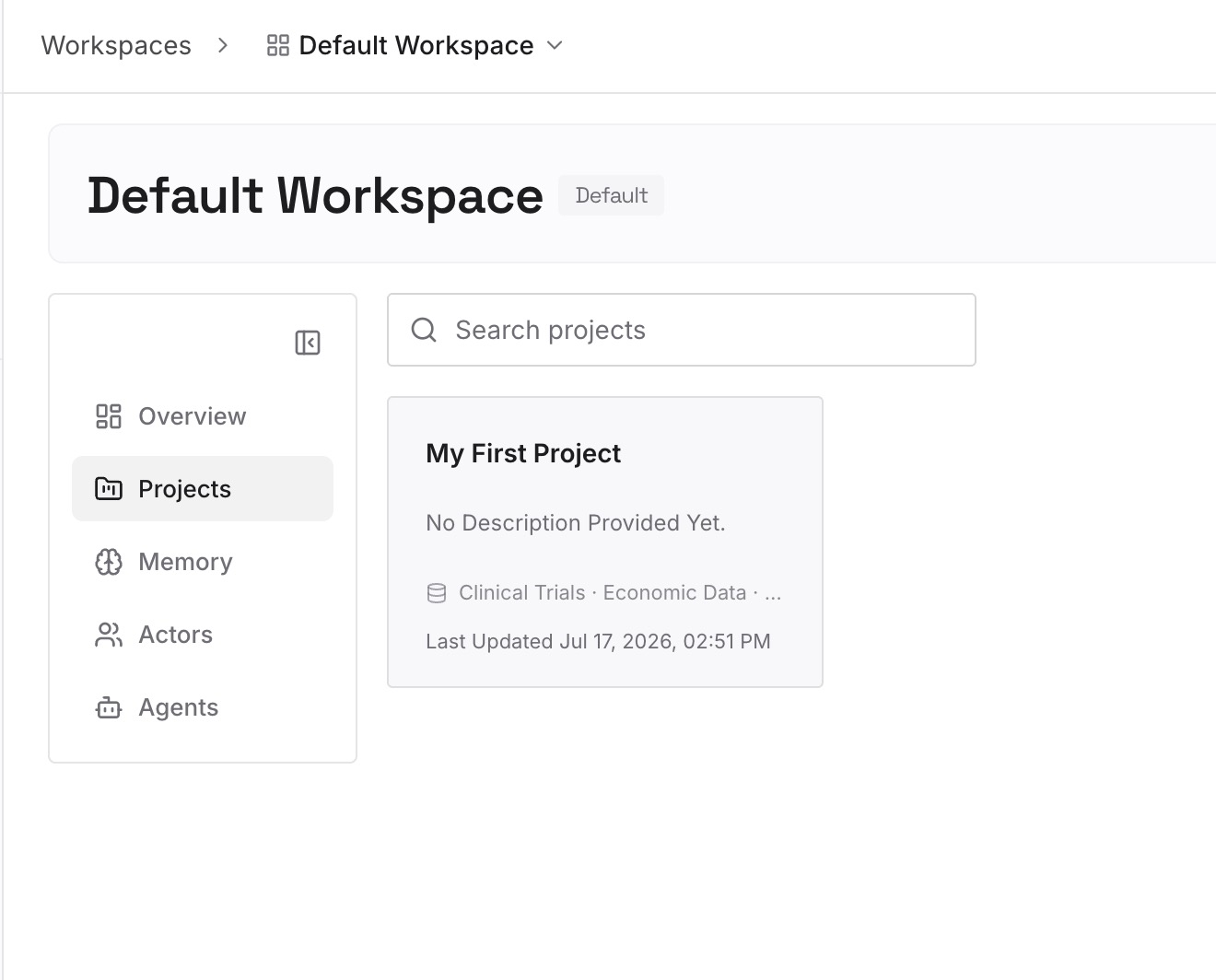
Step 2: Upload your first memories
Start with the skills you listed in Step 1 of the manual migration. For each one, write down what it's for and why its rules exist. One skill per entry.
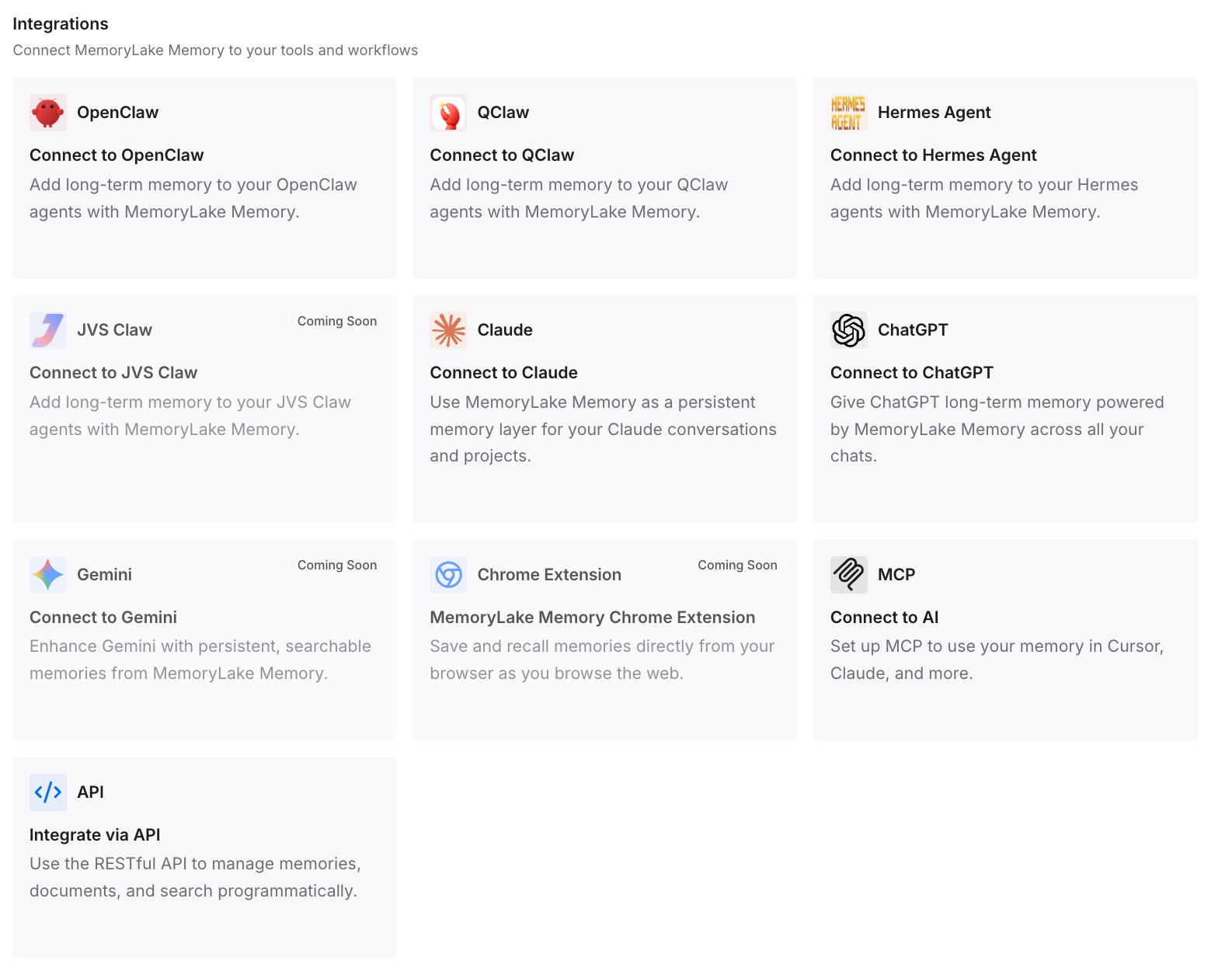
Step 3: Connect your AI & agents
Connect Codex, Claude Code, and the other assistants you use. Each can draw on the same reasons, whichever tool runs the skill.
What this changes in practice
The first difference is easier editing. When you know why a rule exists, you can tell whether a Codex rewrite keeps its meaning.
The second is cleaner skills. Fast-changing facts stay out of SKILL.md and in notes you update separately.
The third is consistency across tools. The same reasons are available in Claude Code and Codex while you use both.
Best practices for moving Claude skills to Codex
Start with the importer. It handles Claude Code skills and leaves your Claude setup unchanged.
Treat app skills as the source. Synced copies in Claude Code aren't saved back.
Use the shared fields. name and description work in both tools.
Front-load descriptions. Codex may shorten them.
Avoid duplicate names. Codex doesn't merge them.
Package shared skills as plugins. Sharing doesn't move with the files.
Conclusion
Claude and Codex build skills on the same open format, so a skill folder with a SKILL.md file is mostly portable. Codex's importer brings over Claude Code skills and slash commands without changing your Claude setup, while skills you made in the Claude app need to be downloaded and placed in ~/.agents/skills or a repository's .agents/skills by hand.
Skills uploaded to the Claude app already use the shared fields. Skills written for Claude Code may need their frontmatter trimmed, invocation settings moved to agents/openai.yaml, and Claude Code-only features such as shell injection rewritten. Sharing, ownership, and connector authorization don't move with the files, so plan those separately.