
What voice mode is
The article opens with a definition: "Voice mode allows you to have complete spoken conversations with Claude. Instead of typing a prompt and reading a written response, you can speak to Claude and listen to its responses".
It's available widely. Voice mode "is a beta feature available to all plans (Free, Pro, Max, Ultra, Team, and Enterprise) on Claude Mobile (iOS and Android), Claude Desktop, and the web, but is built to work best from your phone."
You start it with the sound wave symbol in the chat input. On the web and desktop, Claude stays in voice mode until you click the stop button.
There are two ways to talk:
- Hands-free. "Claude listens continuously and responds to natural pauses in your speech." The article calls this the default.
- Push-to-talk. You hold a button while you speak. The article recommends it for noisy places.
Voice mode versus dictation
These are separate features, and both Claude help articles draw the line.
The voice mode FAQ says: "Dictation converts your speech to text so you can type prompts by speaking. Voice mode is a full two-way conversation — you speak to Claude, and Claude speaks back."
The dictation article for Claude Mobile adds detail: "Dictation turns your speech into text so you can send a written prompt, and Claude replies in text. Voice mode is a full spoken conversation—you talk to Claude and Claude talks back, and it can use your connected tools."
So the choice depends on what you want back. Dictation is a faster way to type. Voice mode is a conversation where Claude answers out loud.
What's saved from a voice conversation
Here's what the articles say about each part.
The audio. Not kept by default. The voice article says the recording is deleted after your speech is converted to text.
The transcript. Kept. It's "saved in your chat history just like a typed chat."
The context. You can switch between voice and text in the same conversation. The article says: "Your previous context carries over, so you don't lose anything when you switch."
That last point matters for the opening example. The conversation you had on your walk is a normal chat. You can open it, keep typing in it, search for it, or delete it like any other.
Dictation works the same way for storage. The mobile dictation article says: "By default, after converting your speech input to text, we delete your audio recording. Your prompt is saved as text in your chat history."
How the transcript relates to chat search and memory
Since a voice conversation is saved as a chat, the features that work with your chats work with it.
Anthropic's memory article describes how memory is built: "Claude saves memory as a set of individual topics as you chat, rather than summarizing conversations after they end." Its effect is quick: "Mention that a deadline moved, and your next conversation already knows."
The voice article doesn't describe separate memory rules for voice. It describes the transcript as a chat like any typed one. So the memory settings that apply to your chats are the ones to check, and if you said something in voice mode that you don't want remembered, the controls are the same as for typed chats.
The privacy article for voice recordings makes the same point about settings: the text saved from a voice conversation is covered by your privacy settings "just as they do to the rest of your chats".
We covered where Claude's memory controls are, including how to keep one chat out of memory and why deleting a chat doesn't remove what Claude learned from it, in our guide to Claude's memory settings.
When audio is kept
Audio is kept only if you choose to share it, and only in some places.
Anthropic's article on sharing voice recordings says sharing "is available on Free, Pro, Max, and Ultra plans, for voice mode and dictation. It isn't available on Team and Enterprise plans, or to organizations with zero data retention (ZDR)."
It's also limited by platform: "Sharing is currently available only on Claude for iOS and Android. The setting doesn't appear on the web or in Claude Desktop, and we don't keep recordings from voice mode or dictation there"
The default is off: "This is off unless you turn it on." If you opt in, you choose between sharing each eligible conversation automatically or deciding one at a time.
When you do share, the article gives a retention period: "We keep the recordings you share for 30 days, after which we remove access and delete them from our systems." It also says: "Deleting a chat also deletes any recording we kept from it."
And it describes how they're used: "We use the recordings you share to evaluate and improve voice mode and dictation". It adds: "We don't use your recordings to recreate your voice or to recognize who you are from your voice."
What voice mode can do in a conversation
Voice mode isn't limited to small talk. The article lists several capabilities.
It uses your tools. "In voice mode, Claude can use the tools you've connected, like Gmail, Google Calendar, Google Docs, and Slack." It adds that connected tools "work the same way in voice mode as they do in text chat and follow the rules of your plan."
It uses your models. "Voice mode can use the same Claude models you use in text chat". It starts with the model you last used in text chat, and the article notes one exception: "Claude Fable is not currently available in voice mode."
It counts toward usage. "Voice conversations count toward your regular usage limits based on your subscription plan."
It speaks many languages. Support for languages other than English is in beta, and the spoken language is set separately from the app's display language.
Why Cowork and Claude Code only offer dictation
The FAQ answers this as a direct question: "In the new Claude experience, voice mode works in any conversation, including ones where Claude is working on a task. In Claude Cowork and Claude Code, dictation is available but voice mode isn't."
So in those products, you can speak your prompt, but Claude replies in text.
Claude Code's own documentation describes its dictation in detail. "Speak your prompts instead of typing them in the Claude Code CLI. Your speech is transcribed live into the prompt input, so you can mix voice and typing in the same message." You enable it with /voice.
It has its own requirements. "Voice dictation streams your recorded audio to Anthropic's servers for transcription. Audio is not processed locally." It needs a claude.ai account and a local microphone, so it doesn't work in cloud or SSH sessions. And on cost: "Transcription does not consume Claude messages or tokens and does not count toward the limits shown in /usage."
If voice mode stops or interrupts you
The troubleshooting section covers the common problems. If Claude stops responding, it suggests you "Check whether you've reached your usage limits" and try leaving voice mode and re-entering. If Claude keeps cutting in, it suggests pausing less or switching to push-to-talk, and adds that "background noise can sometimes cause false interruptions." If Claude misunderstands you, it suggests a quieter place, push-to-talk, and checking that your device's microphone permissions are enabled for Claude.
What people try first
Looking for the audio of a voice chat. By default, only the transcript is saved.
Expecting voice chats to be separate from memory. The transcript is a chat like any other.
Looking for the sharing setting on desktop. It's only on Claude for iOS and Android.
Trying voice mode in Claude Code. Claude Code offers dictation with /voice.
Using Claude Fable in voice mode. The article says it isn't currently available there.
The Fix: Treat voice conversations like any other chat
Step 1: Review the transcript
Open the conversation afterward and check names, dates, and numbers.
Step 2: Check your memory settings
The same settings apply to voice transcripts as to typed chats.
Step 3: Decide on recording sharing
On mobile, check Settings > Privacy if you want sharing on or off.
Step 4: Write down the decisions you talked through
Turn the important parts of the conversation into short notes of your own.
Setting this up in MemoryLake
Voice mode is good for thinking out loud. What you'll need later may be a few decisions from a long, informal conversation: the date you settled on, the feature you cut, the person who asked for a change. Those are easier to rely on as short notes you wrote than as a transcript you have to reread.
MemoryLake is a memory layer for that kind of context, such as decisions, plans, and the reasons behind them, kept in one place you maintain and available to the assistants you connect, such as ChatGPT, Claude Code, and Codex.
You write the entries yourself, in your own words. Nothing is read out of, written to, or deleted from your Claude chats, your voice transcripts, your recordings, your Claude memory, or any vendor's store. Voice mode works the way Anthropic describes it.
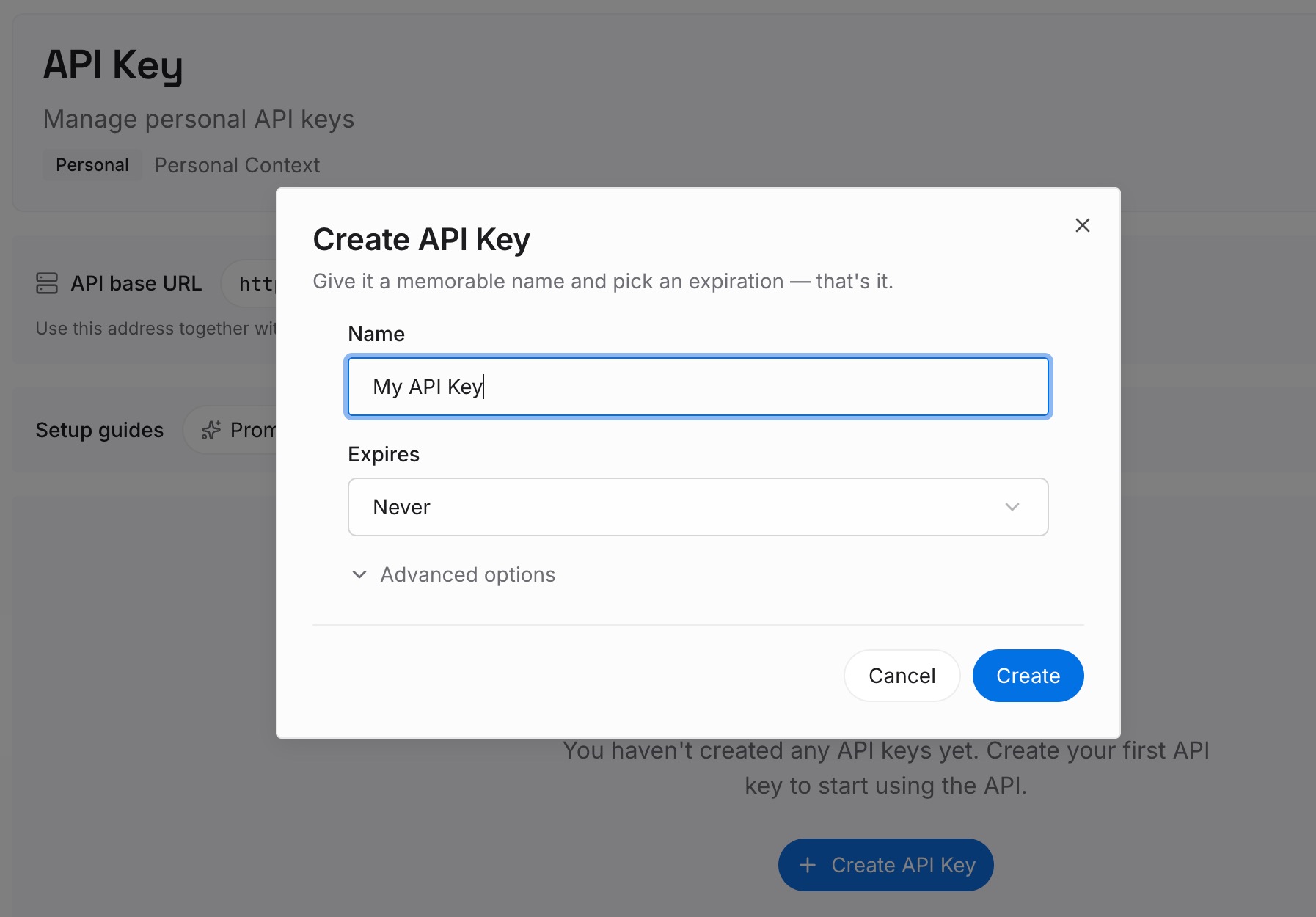
Step 1: Create an API key
Sign in and generate a key from the dashboard. Store it somewhere private, like any other credential.
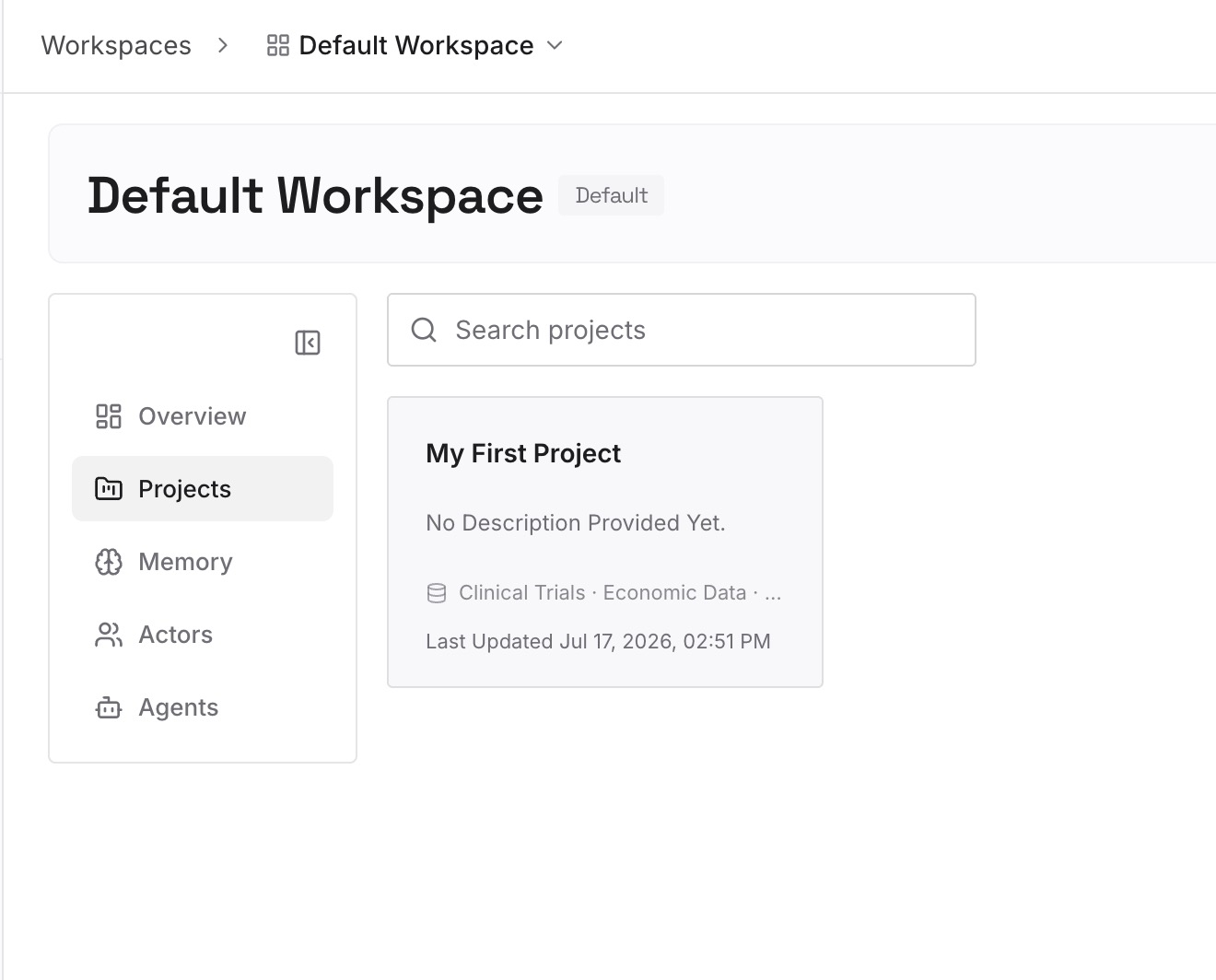
Step 2: Upload your first memories
Start with what you wrote in Step 4 of the fix: the decisions from your voice conversations. One decision per entry.
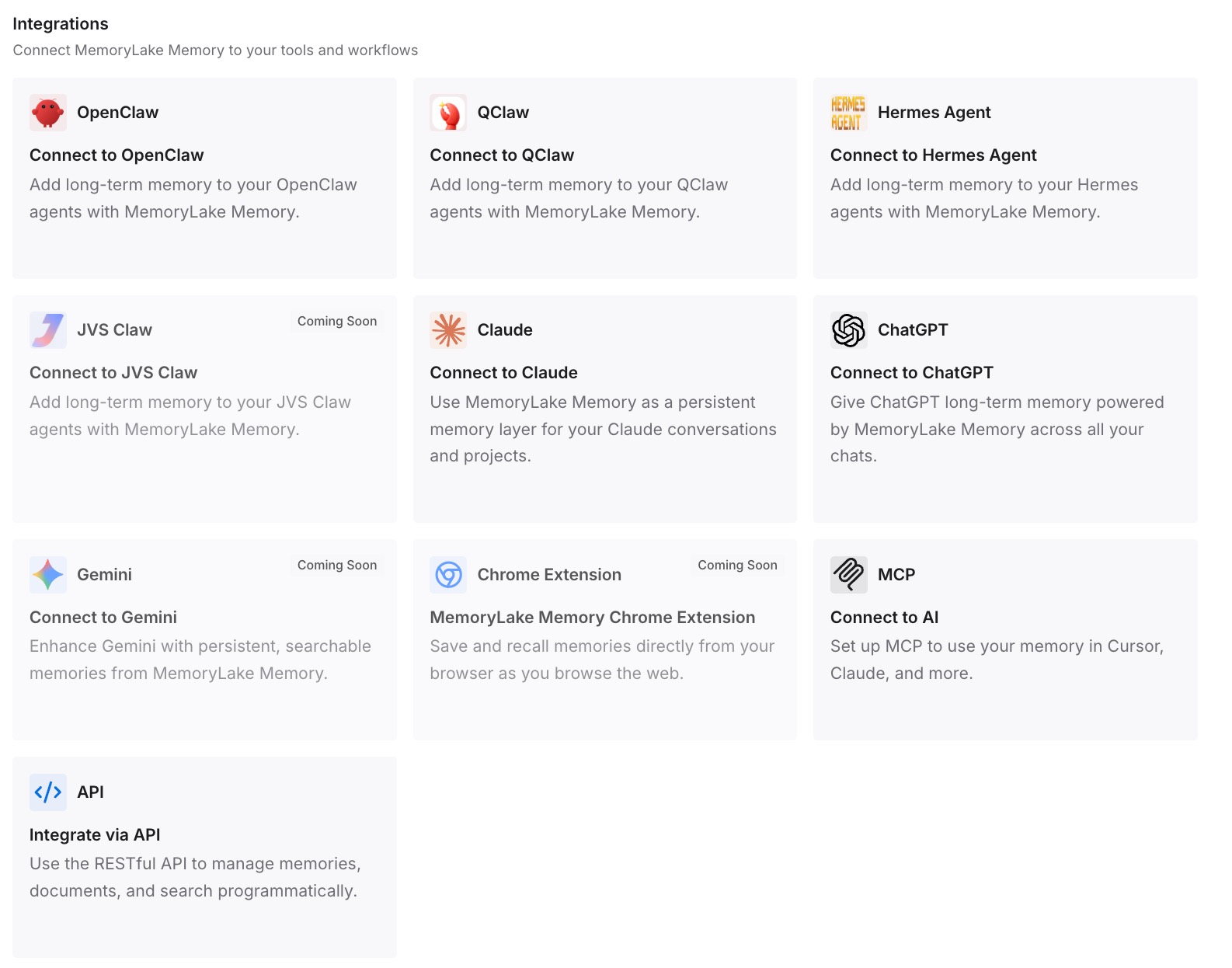
Step 3: Connect your AI & agents
Connect ChatGPT, Claude Code, Codex, and the other assistants you use. Each can draw on the same decisions.
What this changes in practice
The first difference is a clearer record. A decision you spoke out loud becomes a sentence you can find.
The second is less rereading. You don't have to scroll through a transcript to find what was settled.
The third is consistency across tools. The same decisions are available outside Claude.
Best practices for Claude voice mode
Use push-to-talk in noisy places. Hands-free works best when Claude hears one voice.
Switch to text for exact input. URLs and code are easier typed.
Check the transcript. It's what's saved.
Know your memory settings. They apply to voice chats too.
Delete the chat to remove a shared recording. Deleting a chat also deletes any recording kept from it.
Use /voice in Claude Code. Dictation is available there.
Conclusion
Claude's voice mode doesn't keep your audio by default. Your speech is converted to text, the recording is deleted, and the transcript is saved in your chat history just like a typed chat. That means the conversation can be searched, continued, or deleted like any other, and your memory settings apply to it the same way.
Audio is kept only if you opt in to sharing, which is available on Free, Pro, Max, and Ultra plans and only in the mobile apps, for 30 days. Dictation is different from voice mode: it turns speech into a written prompt and Claude replies in text. In Cowork and Claude Code, dictation is available but voice mode isn't, and Claude Code's /voice dictation streams audio for transcription without counting toward usage limits.