
What the notice means
Anthropic calls the switch a fallback. Some Claude models run classifiers on every request. When a classifier flags a request in certain areas, Claude doesn't answer it with the model you picked. It re-runs the request on a less capable model in the same conversation.
The Opus article describes what you see: "All fallbacks are transparent, meaning you'll see a notice explaining that the model switched, and the response will be labeled with the model that answered."
The switch doesn't end the conversation. The Opus article also puts the scale in context: most requests to Opus 5 or Opus 5.5 won't meet these safeguards, and a narrow set of higher-risk requests either fall back or are blocked. Anthropic's articles say they're working to make the safeguards more precise and reduce false positives, and they ask for feedback when a request seems wrongly flagged.
Which models switch, and to what
Each model family has its own article, and the fallbacks differ.
Claude Fable 5.2, Fable 5.1, and Fable 5. These run the broadest checks. According to the Fable article, flagged requests fall back to Opus 4.8 for offensive cybersecurity techniques, and to Opus 5 for dual-use biology, chemistry, and life sciences requests and for a narrow set of frontier AI development tasks. The article warns users to "expect high fallback rates" for offensive security work.
Claude Opus 5.5. It falls back to Opus 4.8 for flagged offensive cybersecurity requests, and to Opus 5 for dual-use biology requests and frontier LLM development requests, such as kernel development for certain ML accelerators.
Claude Opus 5. It falls back to Opus 4.8 for flagged cybersecurity requests. The article says Opus 5 doesn't fall back on biology, chemistry, or life sciences questions, or on frontier LLM development questions.
Claude Sonnet 5.5. The Sonnet article says it's "the first Sonnet model with cyber fallbacks". Flagged cybersecurity and frontier LLM development requests fall back to Sonnet 5.
The Opus article lists examples of cybersecurity requests that can trigger a fallback: exploit generation, binary-based vulnerability scanning, and penetration testing. It also says you can still use Opus 5 and Opus 5.5 for secure coding, including scanning source code for vulnerabilities.
Requests that are blocked instead of switched
Not every flagged request gets a second model. Two kinds are stopped outright.
Attempts to extract reasoning. Each article says attempts to pull out the model's internal reasoning are blocked outright. The Opus article calls these distillation blocks: "Distillation blocks don't fall back to another model, and the request is blocked outright." Its examples are prompts asking Claude to repeat its reasoning verbatim or write its full chain of thought to an external output. Asking Claude to explain its reasoning or walk through a code review isn't affected.
Biology on Sonnet 5.5. The Sonnet article says it blocks requests that could help someone cause serious biological harm, and those blocks don't fall back either.
If a request is blocked with no fallback, the articles' route is to edit the message and retry.
Why memory and files can trigger it
This is the part that explains a switch when your message looked fine.
The classifiers don't only read what you typed. Every one of the three articles says the checks review everything the model reads. The Opus article lists the sources: "memory, content from connectors, web search results, and files". The Fable article adds the conclusion in its own words: "a block can be triggered by content you didn't type."
In practice, that means context Claude brings in on its own can count:
- Memory. If Claude's memory holds details about your work, they're part of what the model reads.
- Project files. A document in the project's knowledge, such as a threat model or a lab protocol, is read along with your request.
- Connectors. Content Claude pulls from a connected tool counts.
- Web search results. Pages Claude reads while answering count too.
So a conversation can switch even when your newest message is ordinary. The earlier parts of the conversation, the files attached to the project, and the memory Claude has about you are all in the same request.
What happens after a switch
Three things change once a request falls back.
The picker stays on the fallback model. The Opus article says: "After the switch, the model picker stays on the less capable model for the rest of the conversation." The Fable and Sonnet articles say the same for their fallbacks.
You can switch back. Each article says you can choose the original model again from the model picker at any time.
Switching back may not stick. The flagged request is still in the conversation, so the next request carries it again. The article's advice: "Editing your previous message before retrying often helps."
If the fallback model also blocks the request, the articles say it has its own safety systems, and you can edit your message and retry.
How to turn automatic switching off
Automatic switching is on by default. The Opus article says it's enabled the first time you select Opus 5 or Opus 5.5 and stays on by default.
To turn it off, go to Settings > Capabilities and switch off the setting named Switch models when a message is flagged. In Claude Code, the same setting is under Config, in the model and output section.
With it off, a flagged request doesn't switch. The Opus article says: "With automatic model switching off, a request that falls back pauses the conversation instead of switching models." You then choose what to do:
- Edit your message and retry on the same model.
- Send the same message to a less capable model yourself.
Turning it off is useful when you'd rather decide case by case, such as when a project's files keep triggering a fallback you don't need.
Where switching applies
The Opus article lists where automatic switching works the same way: Claude on the web, Claude Mobile, Claude Desktop, Claude Cowork, Claude Code, Claude Design, Claude for Microsoft 365, Claude Tag, and Claude Science.
The Claude API is different. The article says automatic switching isn't active by default there, and API customers must opt in and configure fallbacks.
We covered how the same mechanism looks in Claude Code, where a notice appears in the transcript and the session stays on the fallback model, in our guide to switching models mid-session in Claude Code.
How fallbacks are billed
The articles explain billing in general terms. Whether a blocked request is charged depends on when it was blocked and which classifier flagged it. If you're opted into automatic switching, the fallback response is charged separately at the responding model's rates, and Anthropic says it provides a credit for the cache miss the fallback causes. Check the article for your model if billing matters for your plan.
Verification programs
If your legitimate work keeps triggering fallbacks, Anthropic offers two programs. The Cyber Verification Program is for defensive cybersecurity work. The Life Sciences Verification Program is for organizations doing legitimate life sciences research. Each article describes which models each program covers, and the Opus article notes that Opus 5.5 isn't currently available in the Cyber Verification Program.
What people try first
Switching back without editing. The original request is still in the conversation.
Assuming the latest message caused it. Memory, files, connectors, and search results are checked too.
Looking for the setting in chat. It's under Settings > Capabilities.
Expecting a fallback for reasoning requests. Distillation blocks have no fallback.
Expecting the API to switch automatically. It has to be configured.
The Fix: Control what each request carries
Step 1: Read the notice and the label
Check which model answered and when the switch happened.
Step 2: Edit the earlier message
Rephrase the request that triggered the switch, then retry.
Step 3: Decide on automatic switching
Keep it on, or turn it off so flagged requests pause instead.
Step 4: Write down the context your work depends on
Note the background, constraints, and goals you'd otherwise rely on memory and project files to supply.
Setting this up in MemoryLake
When memory and project files are read with every request, the context you've built up affects more than the answer. It can affect which model answers. Keeping that context in a form you can see and edit makes it easier to decide what a conversation actually needs, and to start a new one with only that.
MemoryLake is a memory layer for that kind of working context, such as project background, constraints, and decisions, kept in one place you maintain and available to the assistants you connect, such as ChatGPT, Claude Code, and Codex.
You write the entries yourself, in your own words. Nothing is read out of, written to, or deleted from your Claude conversations, your Claude memory, your project files, your connectors, or any vendor's store. Model switching works the way Anthropic describes it.
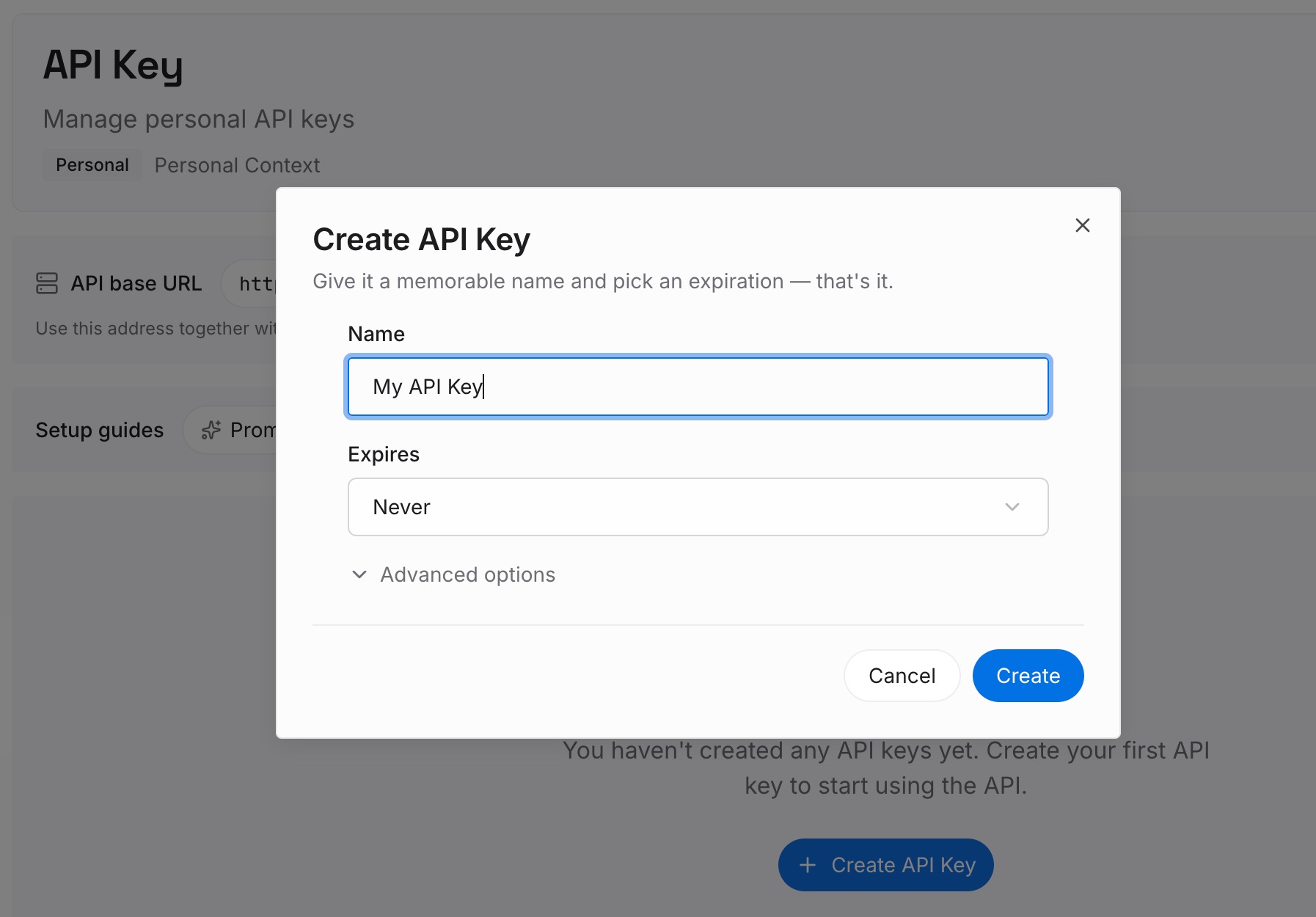
Step 1: Create an API key
Sign in and generate a key from the dashboard. Store it somewhere private, like any other credential.
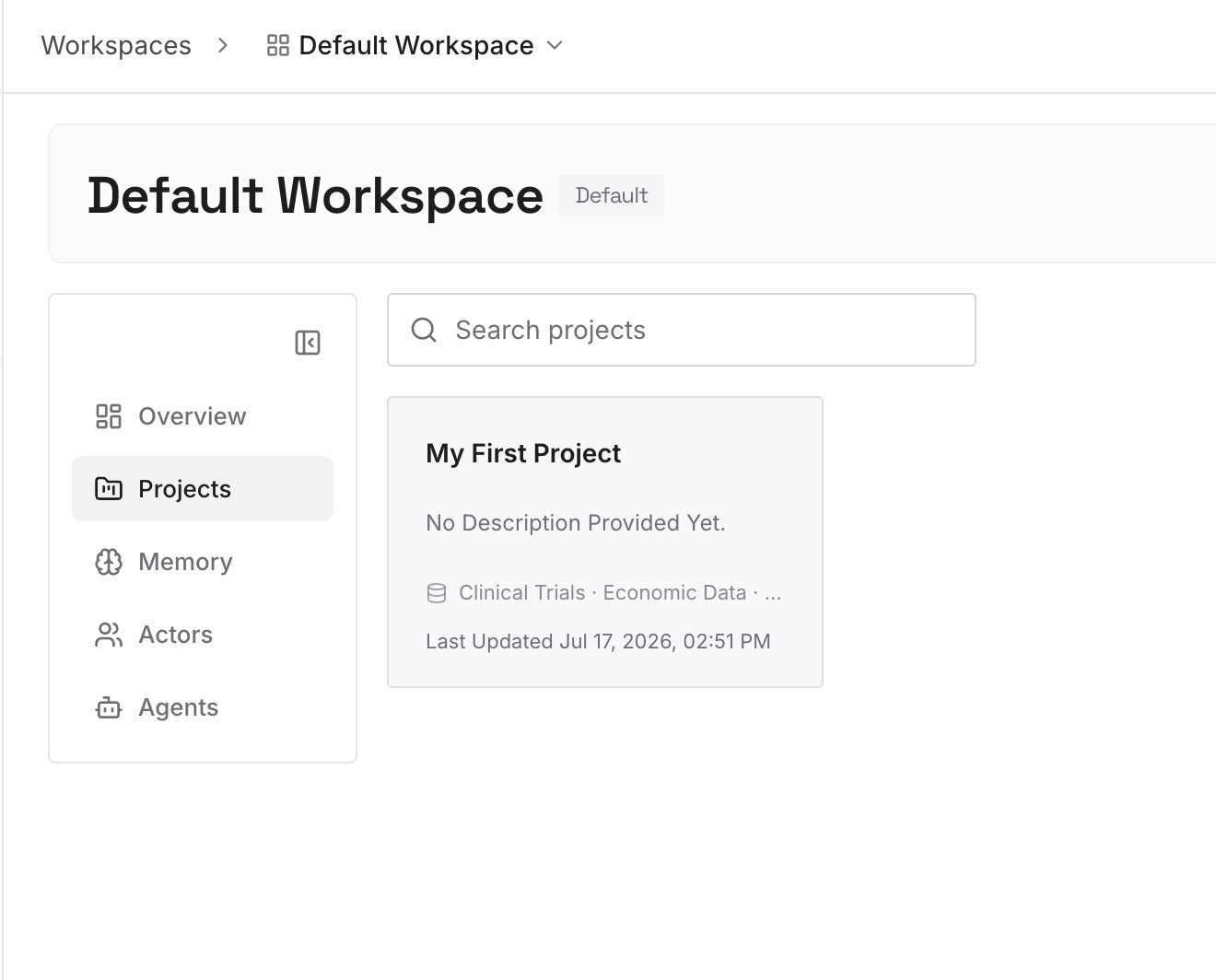
Step 2: Upload your first memories
Start with what you wrote in Step 4 of the fix: background, constraints, and goals. One topic per entry.
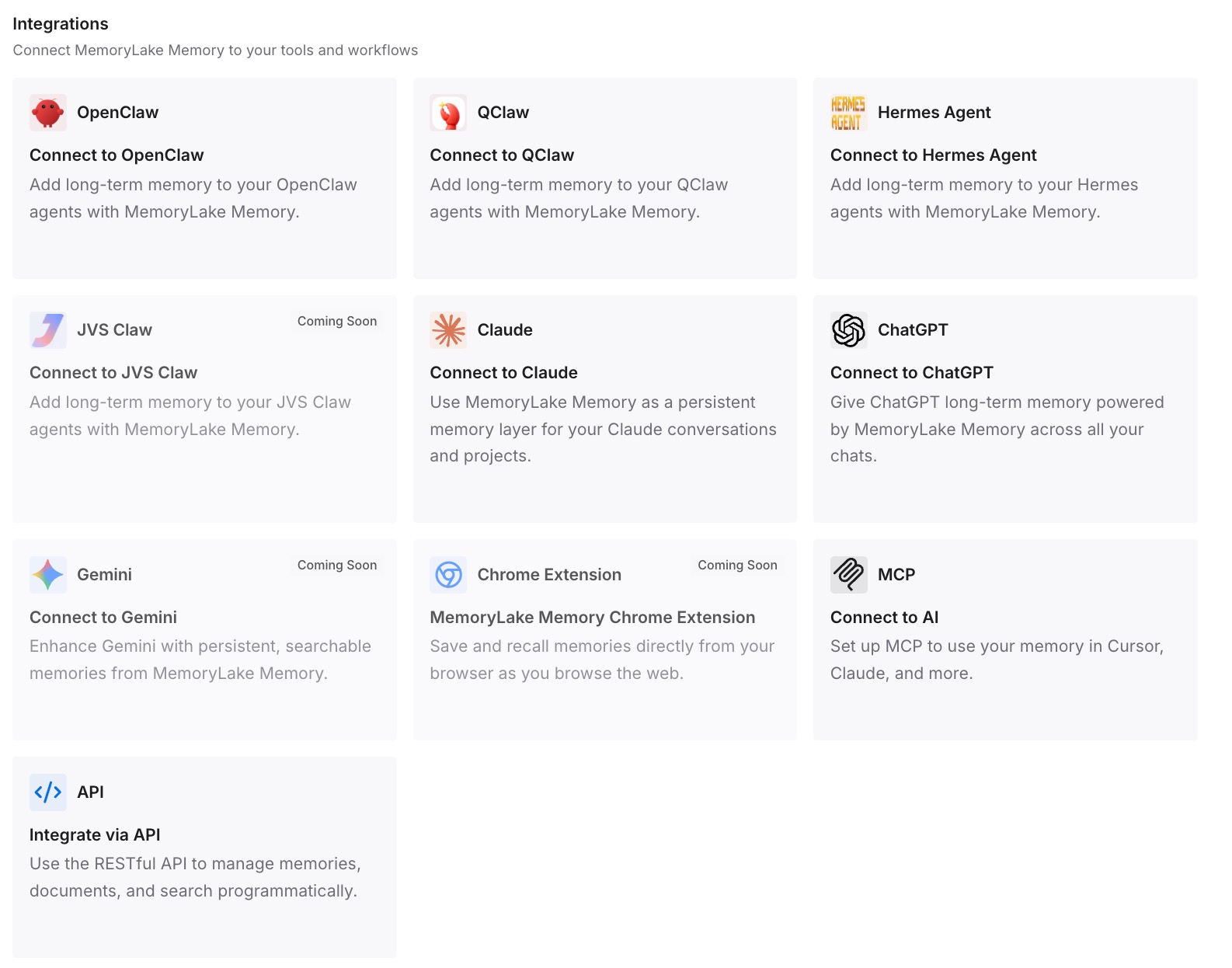
Step 3: Connect your AI & agents
Connect Claude Code, ChatGPT, Codex, and the other assistants you use. Each can start from the context you chose.
What this changes in practice
The first difference is more deliberate context. You decide which background goes into a conversation.
The second is easier restarts. A new conversation can begin from your notes instead of a long history.
The third is consistency across tools. The same background is available outside Claude.
Best practices for Claude model switching
Read the model label. It tells you which model answered.
Edit, don't repeat. Repeating a flagged request triggers the same check.
Review project files and memory. They're part of what's checked.
Turn switching off if you prefer to decide. Flagged requests then pause.
Send feedback on false positives. Anthropic asks for reports.
Apply to a verification program if it fits your work. Defensive security and life sciences have options.
Conclusion
When Claude switches models in a conversation, a safety classifier flagged the request, and Claude re-ran it on a less capable model, such as Opus 4.8 or Opus 5 for Fable and Opus models, or Sonnet 5 for Sonnet 5.5. The notice and the model label make the switch visible, and the picker stays on the fallback model for the rest of the conversation.
The checks review memory, connectors, web search results, and files, not just your latest message, so a switch can come from context you didn't type. Switching back may trigger the same check while the original request is still there, so edit it first. To decide case by case, turn off Switch models when a message is flagged in Settings > Capabilities.