
What Changed in Claude's Memory
From daily summary to individual entries
As of July 10, 2026, memory on Claude works as a set of individual, categorized entries that Claude reads and updates during your conversations — replacing the previous daily memory summary, per Anthropic's release notes. Instead of one rolling digest of who you are, Claude now maintains discrete, inspectable notes it can update the moment something changes.
The monthly recap
A day earlier, Anthropic shipped a monthly recap in beta (Settings → Reflect, on Free, Pro, and Max, web and Claude Desktop): the topics you spent time on, your most active day and peak hour, and observations about how you work. It requires memory to be on — a nudge that memory is now central to how Anthropic wants Claude used.
Why this matters
Memory has been available to every Claude user, including the free plan, since March 2026 — but the summary format made it a black box that occasionally paraphrased you wrong. Entries change that: you can see exactly what Claude believes about you, entry by entry, and correct it. It's the most transparent memory design among the major assistants right now.
What the New System Genuinely Improves
Transparency you can audit
Individual entries mean no more guessing what the model "took away" from a month of chats. What it knows is listed; what's wrong is deletable.
Fresher, finer-grained recall
Entries update during conversations rather than waiting for a daily digest, so a preference you state at 10 a.m. shapes the 2 p.m. chat — and one bad inference no longer contaminates a whole summary.
A feedback loop about yourself
The recap is small but clever: seeing your own topics and rhythms makes memory legible, which builds exactly the trust that memory features have historically lacked.
What the New Memory Still Misses
It remembers you, not your work
Entries hold facts and preferences — your role, your style, your standing asks. Your actual working material — specs, research, spreadsheets, decision logs — isn't what this system stores. Upload a document and it remains conversation-scoped, entries or no entries.
It stays inside Claude
The entries live in claude.ai. Your ChatGPT, your coding agent, and your API pipelines see none of them — and the more faithfully Claude's memory captures you, the more switching costs grow. A better memory inside one wall is still inside one wall, which is the long-standing pattern behind why Claude forgets previous conversations once you step outside its features.
No real history or audit trail
You can edit entries, but there's no versioned record of how your profile evolved, what changed when, or why — fine for personal preferences, short of what teams need for shared or compliance-adjacent context.
Filling the Gaps: A Memory Layer That Travels
For the parts Claude's entries don't cover — documents, project knowledge, cross-tool reach, version history — the fix is a persistent memory outside any single assistant. MemoryLake stores your working material once: parsed and searchable, versioned Git-style with full provenance, end-to-end encrypted, and readable by Claude and everything else you use.
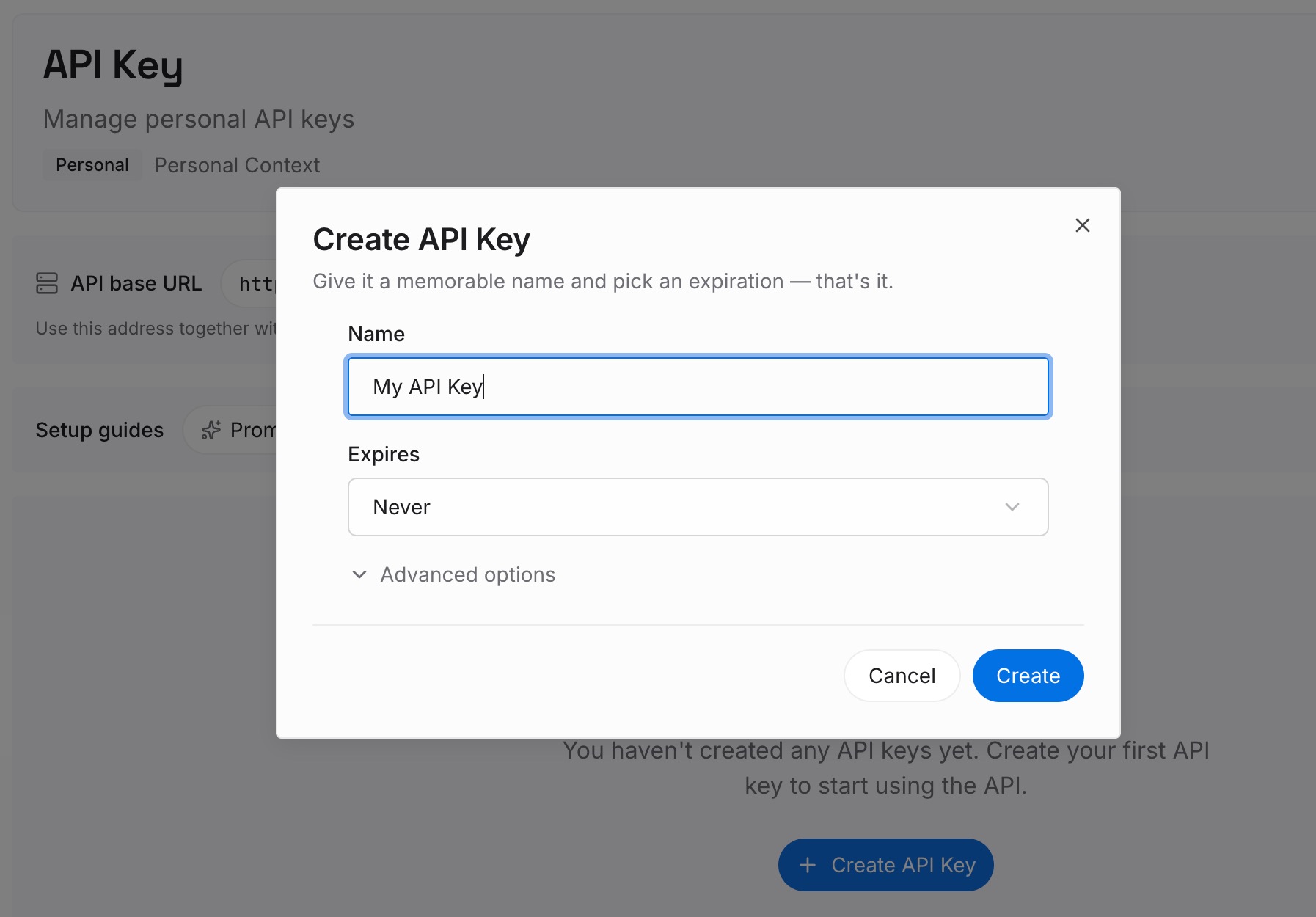
Step 1: Create an API key
Sign in to MemoryLake, generate a key, and make your first request — it takes about 30 seconds.
Step 2: Upload your first memories
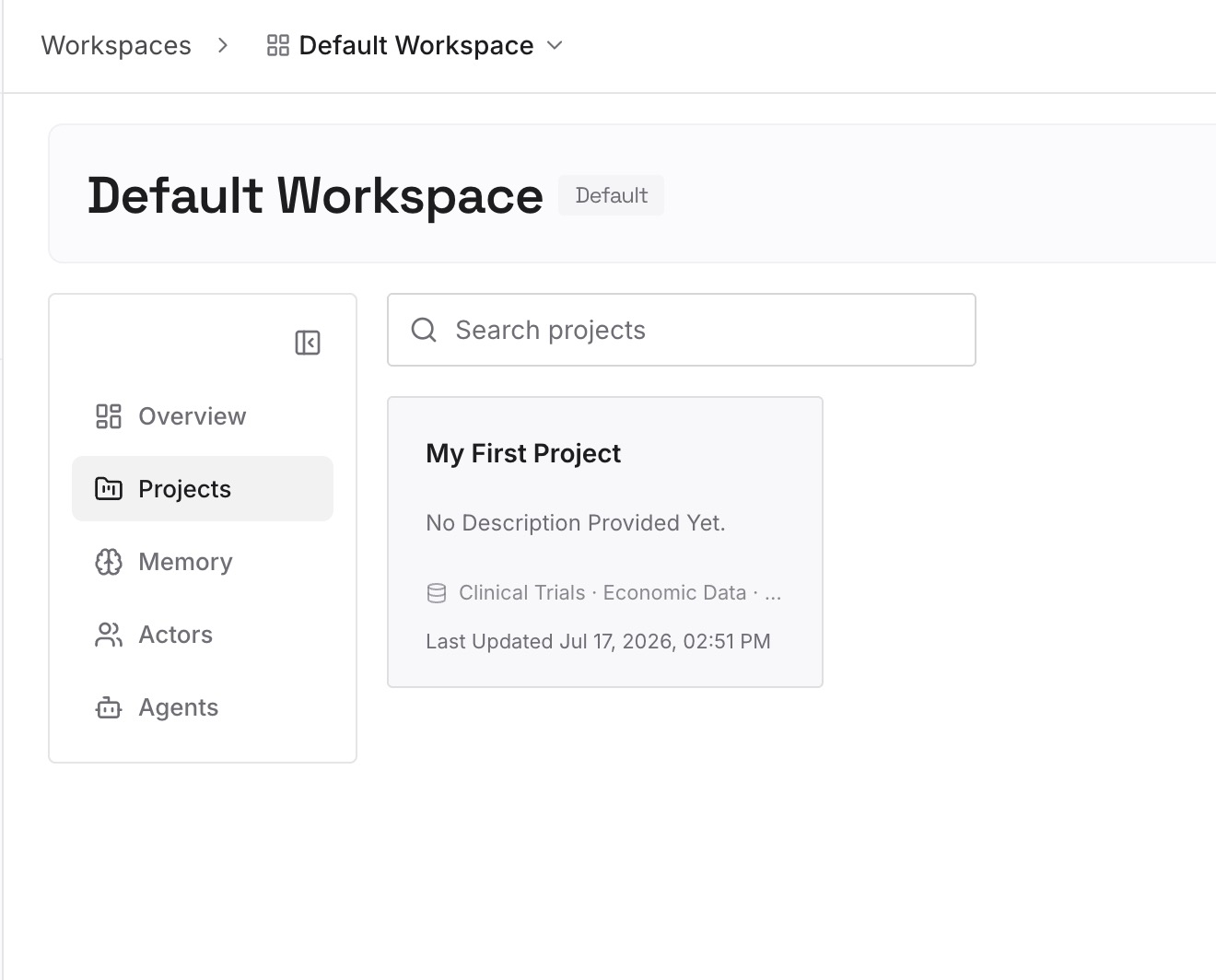
Drop in what Claude's entries can't hold: the documents, images, and other files behind your actual work — specs, research PDFs, datasets, decision records — plus standing project facts as text.
Step 3: Connect your AI & agents
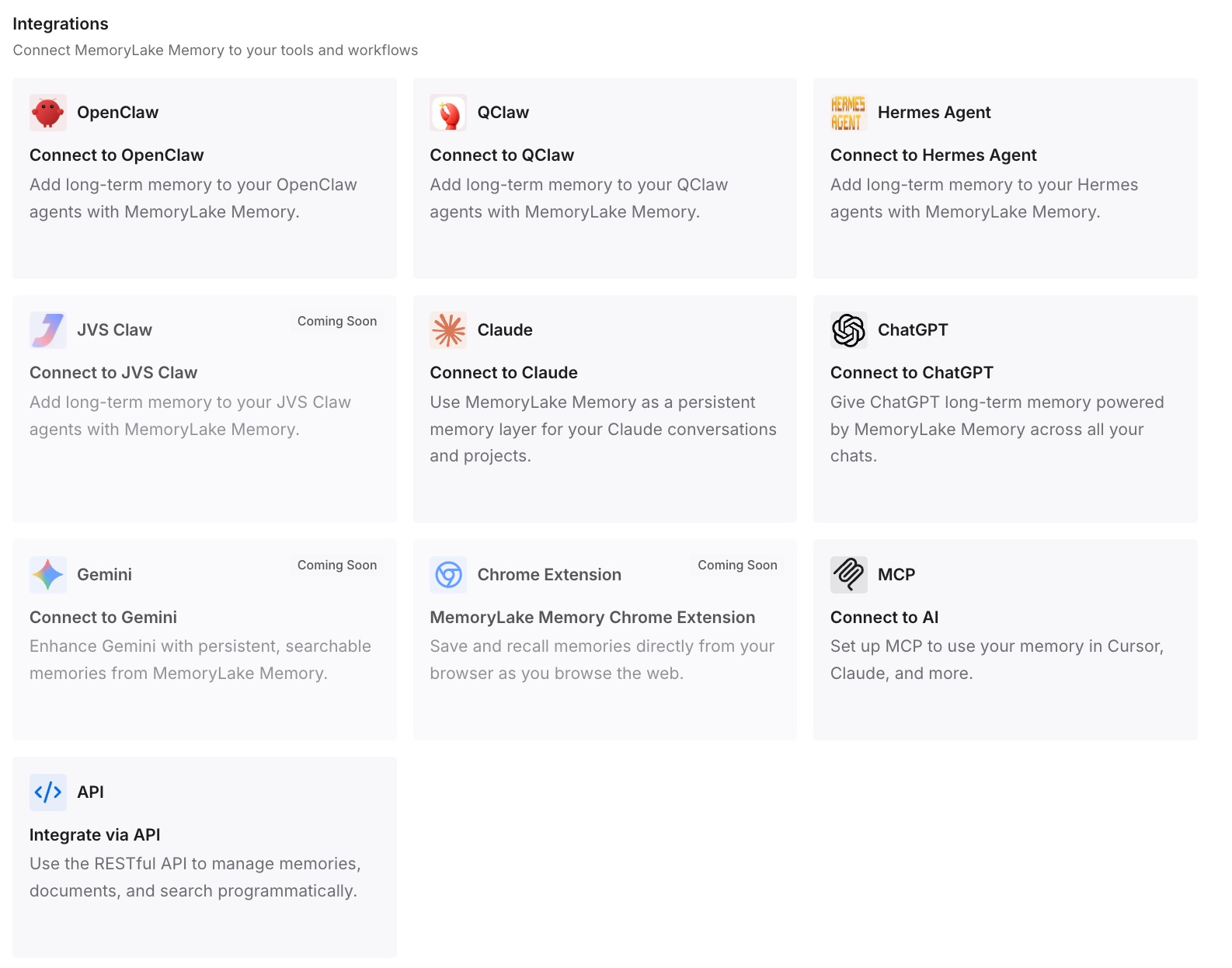
Connect Claude via MCP with your API key, so conversations combine Claude's own entries (who you are) with your MemoryLake memory (what you're working on). The same memory serves Codex, OpenClaw, and other agents via MCP or the API — so the working context Claude sees is the working context everything sees.
The Two-Layer Setup That Results
Let Claude's entries do what they're good at
Personal preferences, tone, standing instructions — leave those to the built-in system. It's now genuinely good at them, and it's zero maintenance.
Let a neutral layer hold the work
Documents, project knowledge, decisions, and anything a second tool or teammate needs belongs in the layer that travels. The division is clean: Claude remembers you; your memory layer remembers your work.
Best Practices After the Update
Audit your entries once
The migration from summaries is a good moment to open your memory settings and prune — stale inferences from the summary era don't deserve to survive into the entries era.
Don't stuff project context into entries
It's tempting now that entries are visible and editable. Resist it: they're sized for facts about you, and project knowledge crammed into them neither retrieves well nor leaves the platform.
Check the recap monthly
Two minutes in Settings → Reflect shows you what you're actually using Claude for — useful signal for what belongs in your durable, cross-tool memory.
Conclusion
Claude's July update is the right direction: memory you can see, edit, and trust beats a rolling summary you couldn't. But its scope is deliberate — a portrait of the user, held by one vendor. Pair it with a persistent memory layer for your actual work, and you get both halves: an assistant that knows you, and a body of knowledge that follows you everywhere. The update fixed how Claude remembers you. What remembers your work is still your call.