
What Is an AI Memory Tool for Coding Agents
AI memory tools act as the brain's hippocampus for your coding assistants. They are specialized software layers designed to:
- Retain Persistent Context: Store codebase rules, previous conversations, and architectural decisions across different coding sessions.
- Enable Stateful Interactions: Transform naturally stateless Large Language Models (LLMs) into stateful partners that remember your specific project needs.
- Automate Context Injection: Dynamically fetch and feed the exact right pieces of code to your agent without manual copy-pasting.
Why Coding Agents Need Memory
Equipping coding agents like Cursor or Claude Code with dedicated memory provides massive workflow advantages:
- Eliminates Repetitive Prompting: Never waste time re-explaining the same bugs or project setups.
- Saves API Costs: By retrieving only relevant snippets, you avoid sending your entire repository on every prompt, saving millions of tokens.
- Ensures Consistency: Keeps your AI aligned with your specific design patterns, preventing it from hallucinating non-standard code structures.
Quick Comparison Table
| Tool | Best For | Memory Type | Starting Price |
|---|---|---|---|
| **MemoryLake** | Overall Best for Coding Agents | Unified Context & Vector | $19/month |
| **Mem0** | Personalized AI Memory | Key-Value / Vector | $19/month |
| **Evermind** | Lightweight Task Memory | Session-based | $25/month |
| **Zep** | Long-term Chat History | Vector / Graph | $125/ month |
| **Maximem** | Context Optimization | Semantic Indexing | $19/month |
| **Cognee** | Custom API Workflows | Developer API | $2.50/ 1M tokens |
| **Neo4j** | Codebase Graphing | Graph Database | $65/month |
| **Supermemory** | Personal Knowledge | RAG-based | $19/month |
| **Greptile** | Enterprise Codebases | RAG & AST | $30/seat/month |
| **Weaviate** | DIY Memory Stacks | Vector Database | $45/month |
1. MemoryLake
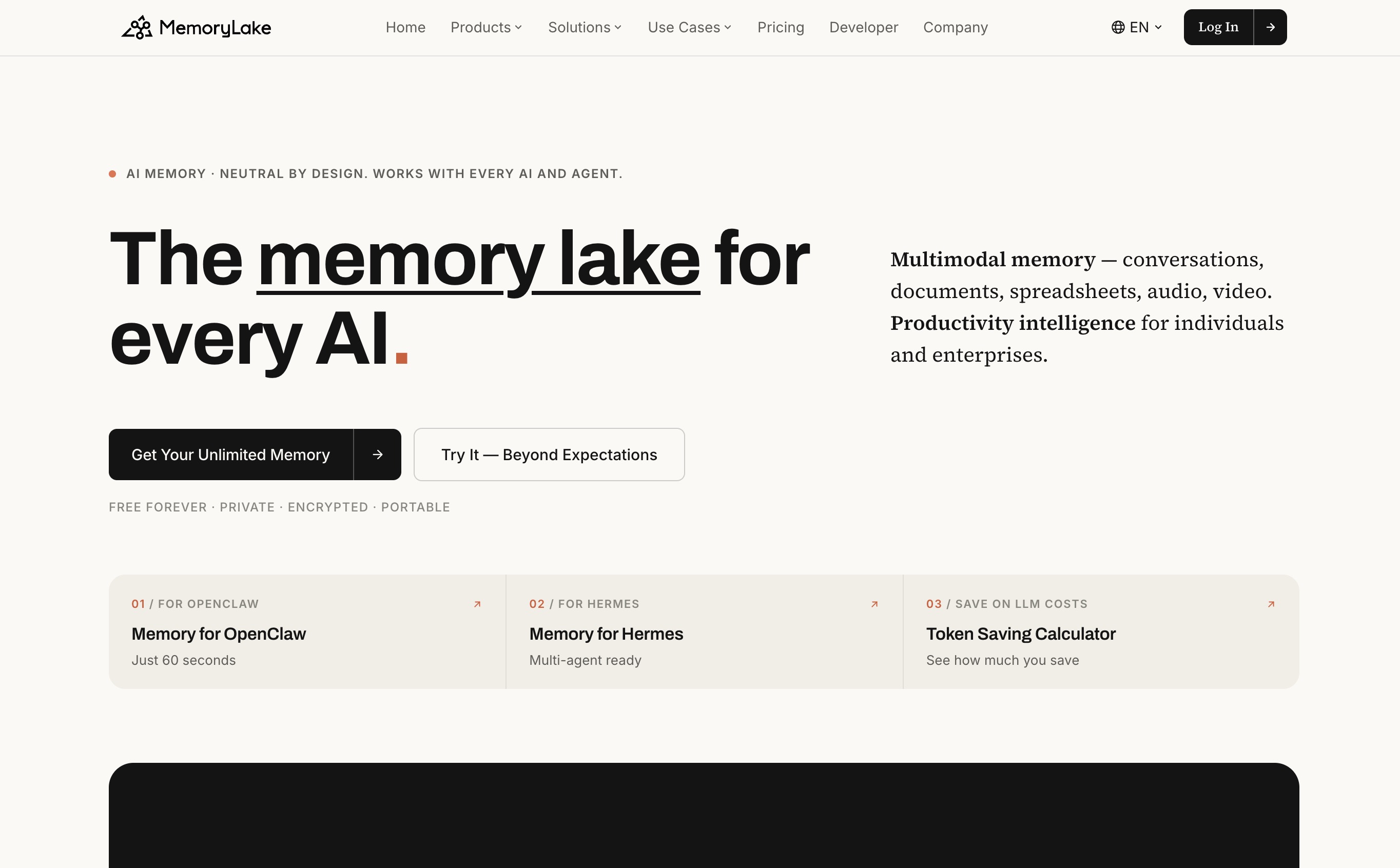
MemoryLake is a cross-model memory layer built around a powerful, simple idea: your context should follow you, not live trapped inside a single AI. Serving as the ultimate unified memory layer for coding agents, it effortlessly bridges the gap between your entire workflow and AI assistants like Cursor and Claude Code.
You can upload a wide array of documents (PDF, Word, Excel, PowerPoint, Markdown, images), organize them into specific Projects, add precise Memories, and seamlessly expose them to any AI app through a universal MCP Server.
Unlike traditional vendor-held memory or risky RAG pipelines, MemoryLake guarantees pinpoint context retrieval that is 100% user-owned. All storage is end-to-end encrypted, meaning the provider cannot read your proprietary code or data—and features Git-style versioning for complete, transparent auditability.
Key Features
- Seamless native integration with Cursor and Claude Code.
- Intelligent, automated codebase indexing.
- Cross-session permanent context retention.
Pros
- Incredibly fast retrieval times for massive codebases.
- Zero manual context management required.
- Reduces LLM token costs drastically.
Cons
- Advanced enterprise features require the premium tier.
- May feel overpowered for tiny, single-file scripts.
Pricing
Generous Free Tier; Pro starts at $19/month.
2. Mem0
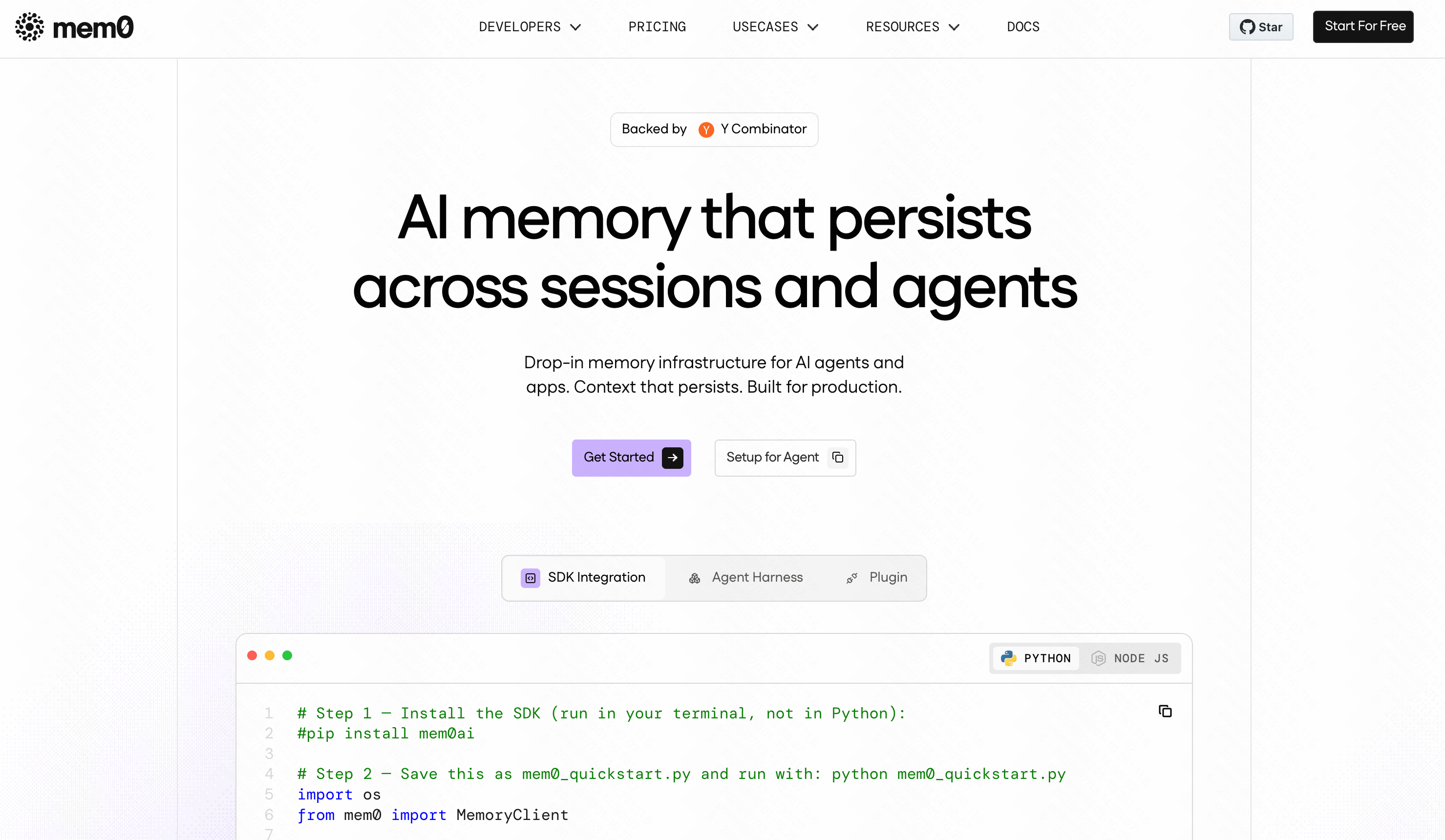
Mem0 focuses on providing a personalized memory layer for AI assistants, allowing agents to remember user preferences and past interactions accurately over time.
Key Features
- Self-updating memory logic.
- Developer-friendly REST APIs.
- Multi-tenant architecture.
Pros
- Great for capturing developer preferences.
- Easy to set up for web-based AI tools.
Cons
- Not strictly optimized for deep AST (Abstract Syntax Tree) code analysis.
- Requires manual tweaking for complex repositories.
Pricing
Free Tier available; Pro starts at $19/month.
3. Evermind
Evermind is a lightweight tool designed to give basic session persistence to local coding agents, ensuring they don't lose the plot during a long debugging session.
Key Features
- Plug-and-play local setup.
- Session-based context grouping.
- Automated memory pruning.
Pros
- Very low latency.
- Great for privacy since it runs locally.
Cons
- Lacks cross-repository architectural memory.
- UI is quite basic.
Pricing
$25/month.
4. Zep
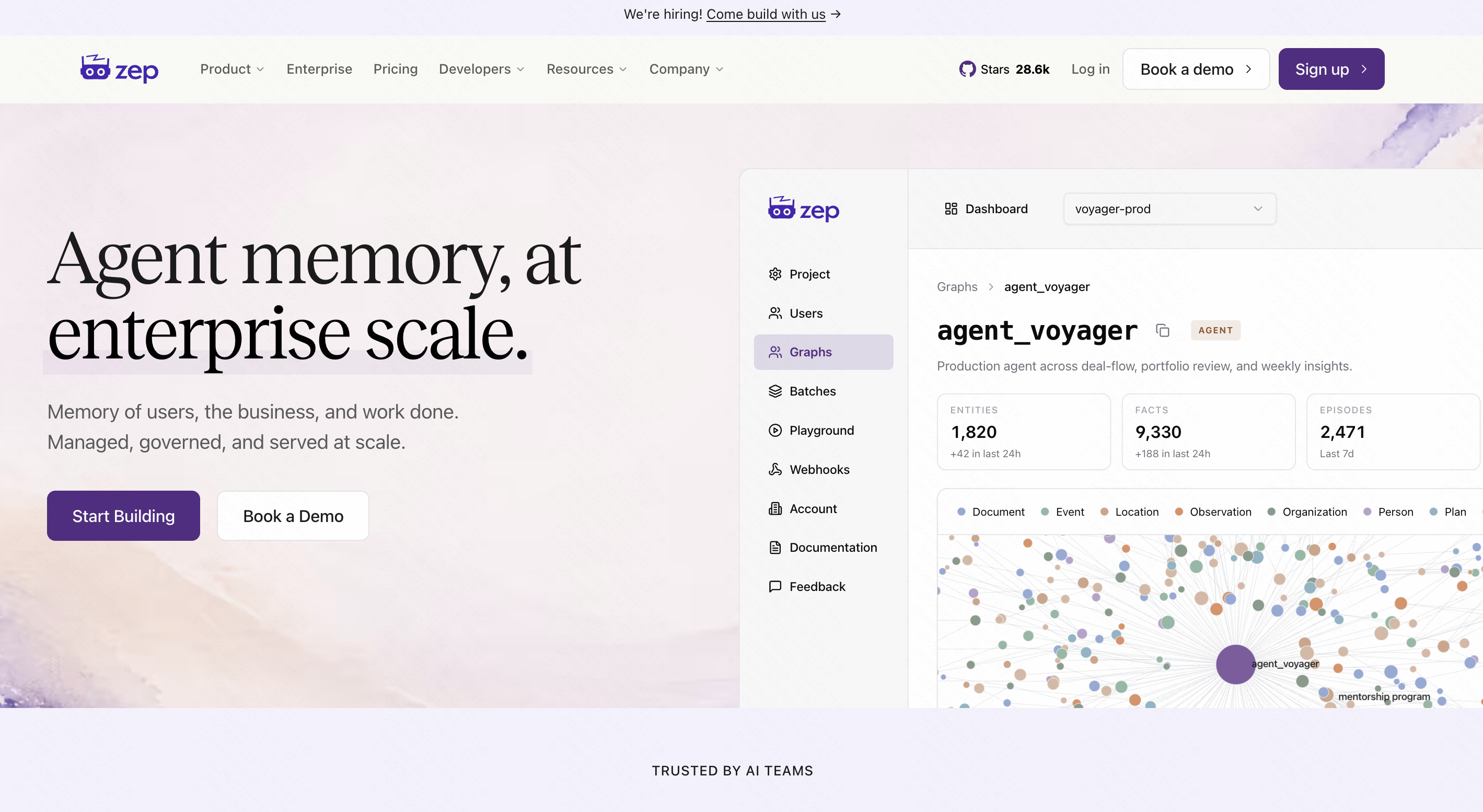
Zep is a long-term memory service for AI applications. It combines vector search with conversational history to keep chatbots and coding agents context-aware.
Key Features
- Auto-summarization of past prompts.
- Low-latency vector search.
- Hybrid search capabilities.
Pros
- Excellent at remembering long, ongoing conversations.
- Highly scalable architecture.
Cons
- Setup can be complex for junior developers.
- More suited for chatbots than strict coding agents.
Pricing
$125/month.
5. Maximem
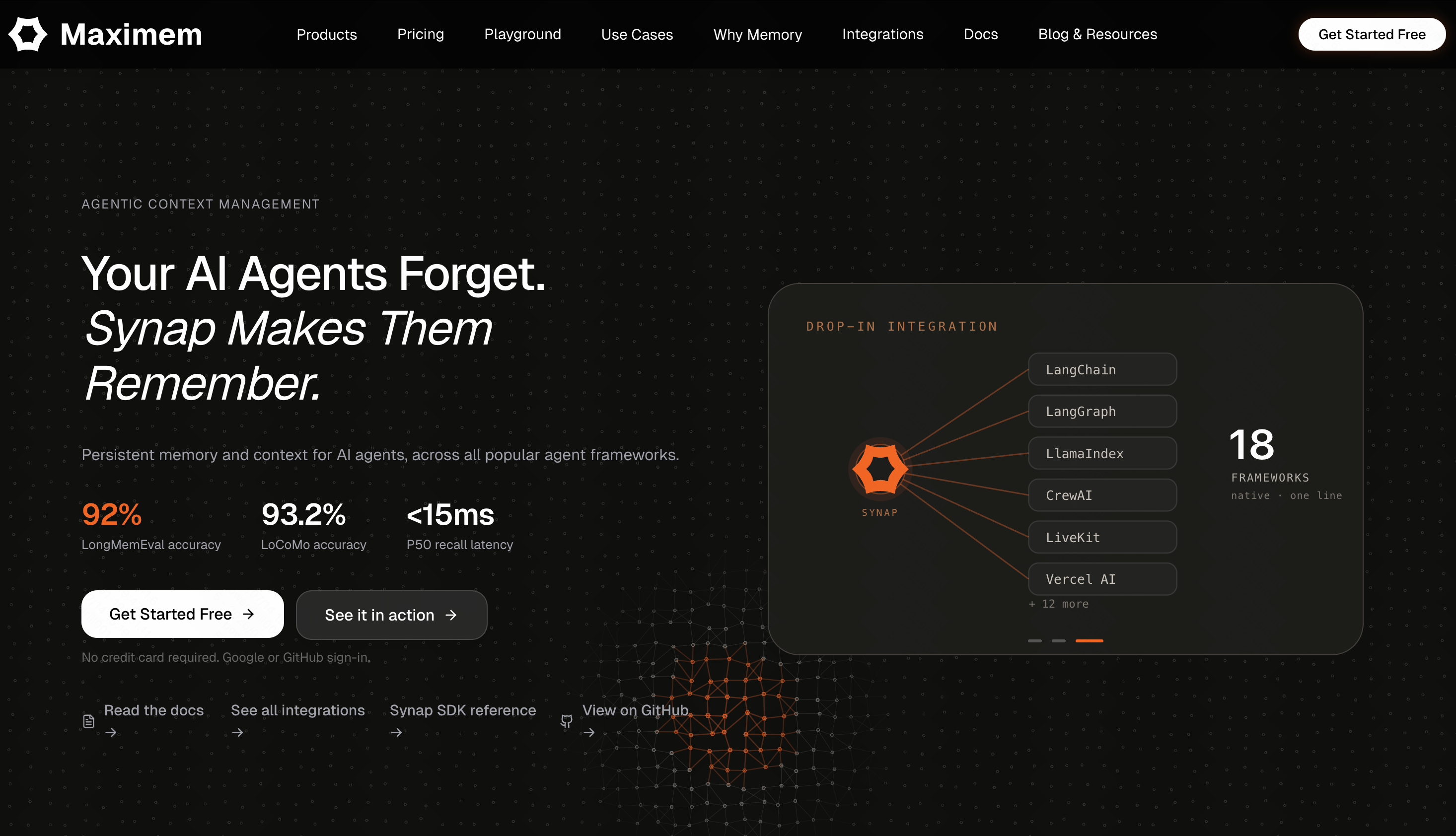
Maximem focuses on context optimization, actively shrinking and packing your code history to fit perfectly into any agent's context window without losing meaning.
Key Features
- Token compression algorithms.
- Smart semantic indexing.
- IDE plugin availability.
Pros
- Saves a massive amount of API tokens.
- Works well with older, smaller LLMs.
Cons
- Compression can occasionally strip out minor code comments.
- Newer tool with a smaller community.
Pricing
$19/month.
6. Cognee
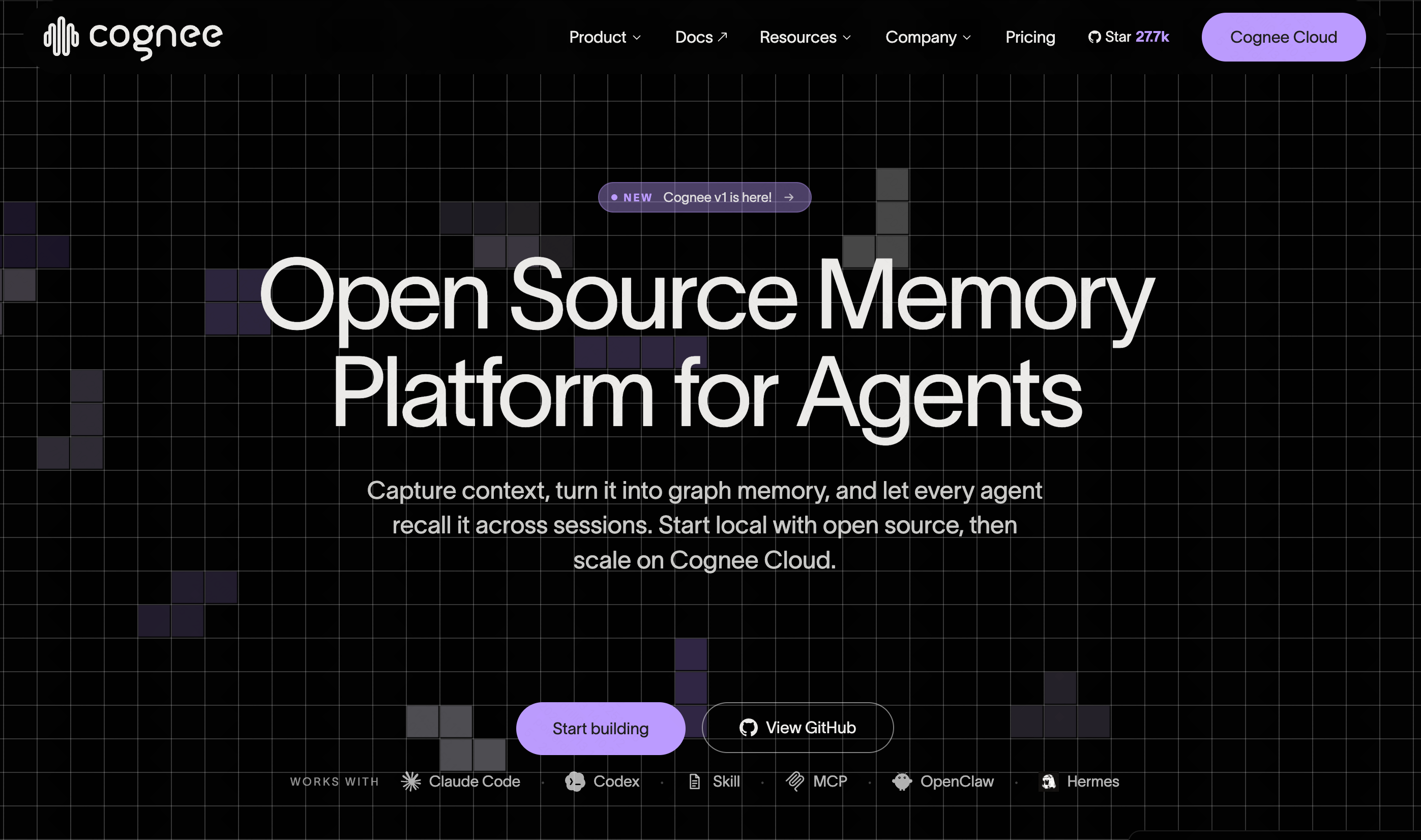
Cognee provides high-flexibility APIs for developers who want to build custom memory pipelines into their own proprietary coding agents.
Key Features
- Highly customizable data schema.
- Webhooks for memory triggers.
- Granular access controls.
Pros
- Unmatched flexibility for custom internal tools.
- Strong security features.
Cons
- No out-of-the-box integration for Cursor.
- Steep learning curve.
Pricing
Pay-as-you-go based on API calls.
7. Neo4j
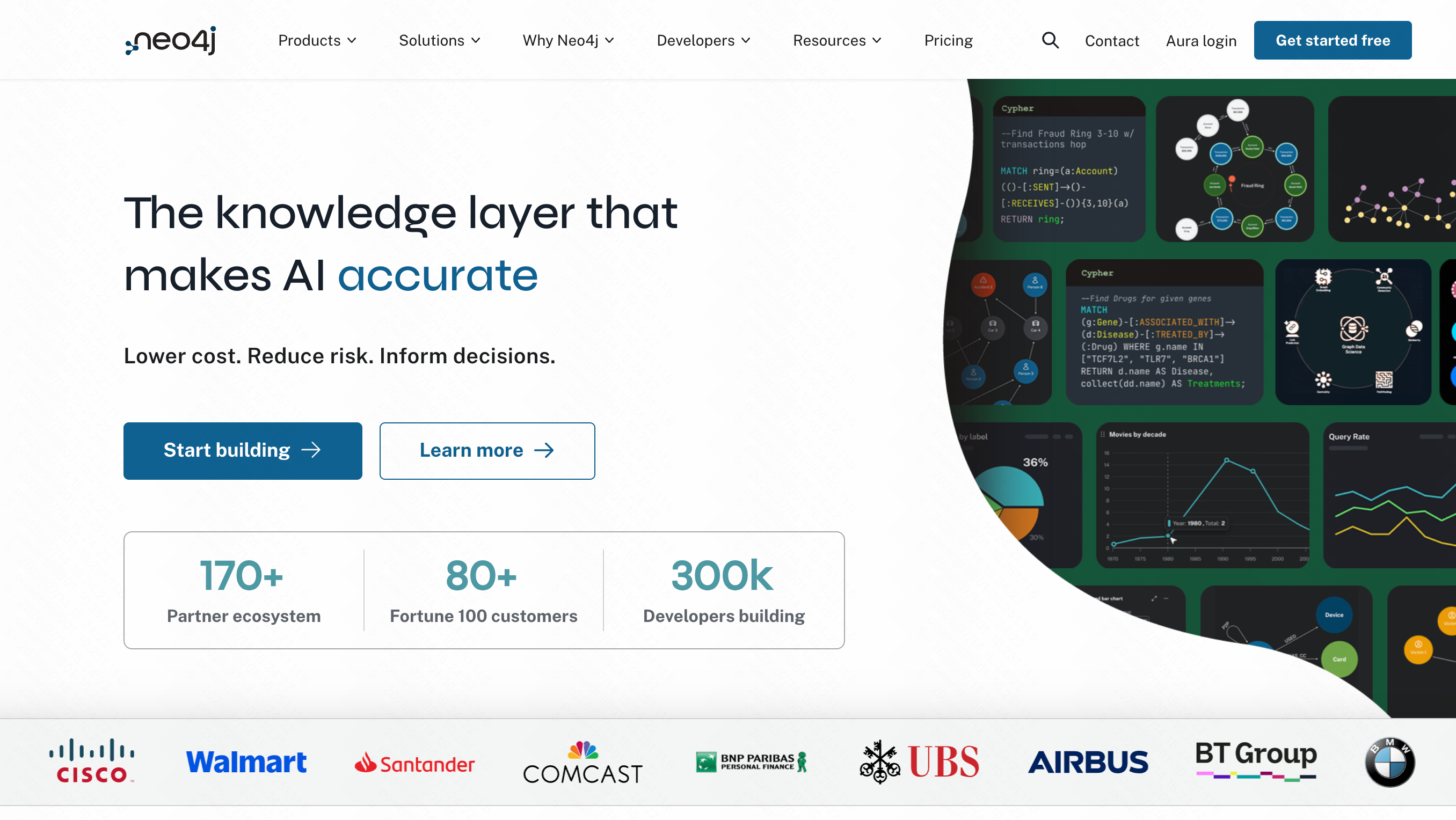
Neo4j isn't a traditional AI tool, but this graph database has become a powerhouse for coding agents by mapping out the exact structural relationships within complex codebases.
Key Features
- Native GraphRAG capabilities.
- Deep structural code mapping.
- Cypher query language for precise retrieval.
Pros
- Perfect for understanding microservices and deep dependencies.
- Highly visual and exact.
Cons
- Requires heavy manual configuration to act as an agent memory.
- Overkill for simple web development.
Pricing
$65/month.
8. Supermemory
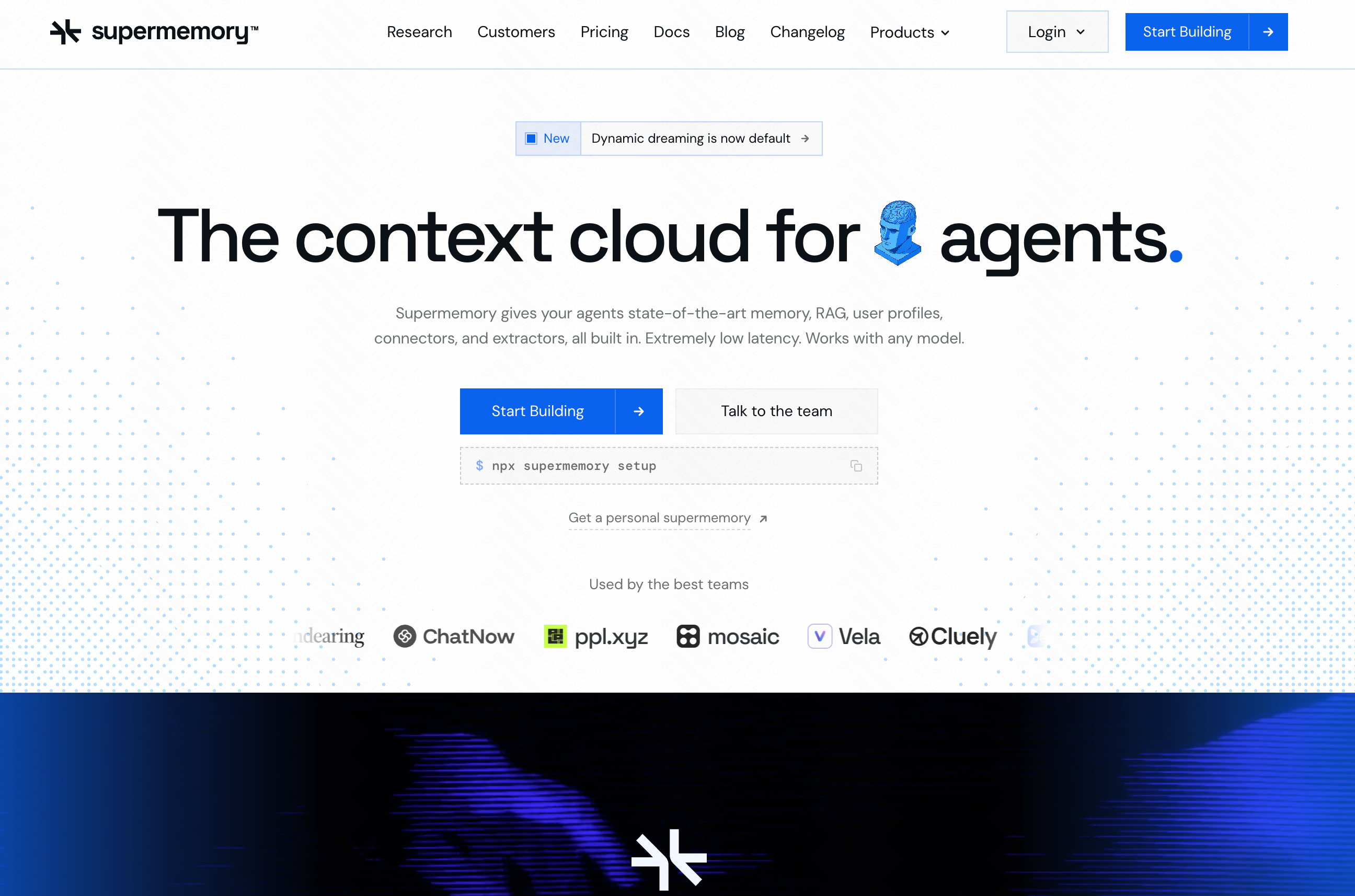
Supermemory is designed as a "second brain," capturing snippets, documentation, and code fragments to feed into your AI workflows effortlessly.
Key Features
- Chrome extension for quick saving.
- Markdown and code snippet support.
- RAG-based chat interface.
Pros
- Excellent for personal knowledge management.
- Very user-friendly interface.
Cons
- Lacks automated, deep codebase indexing.
- Manual saving is often required.
Pricing
Free Tier; Premium at $19/month.
9. Greptile
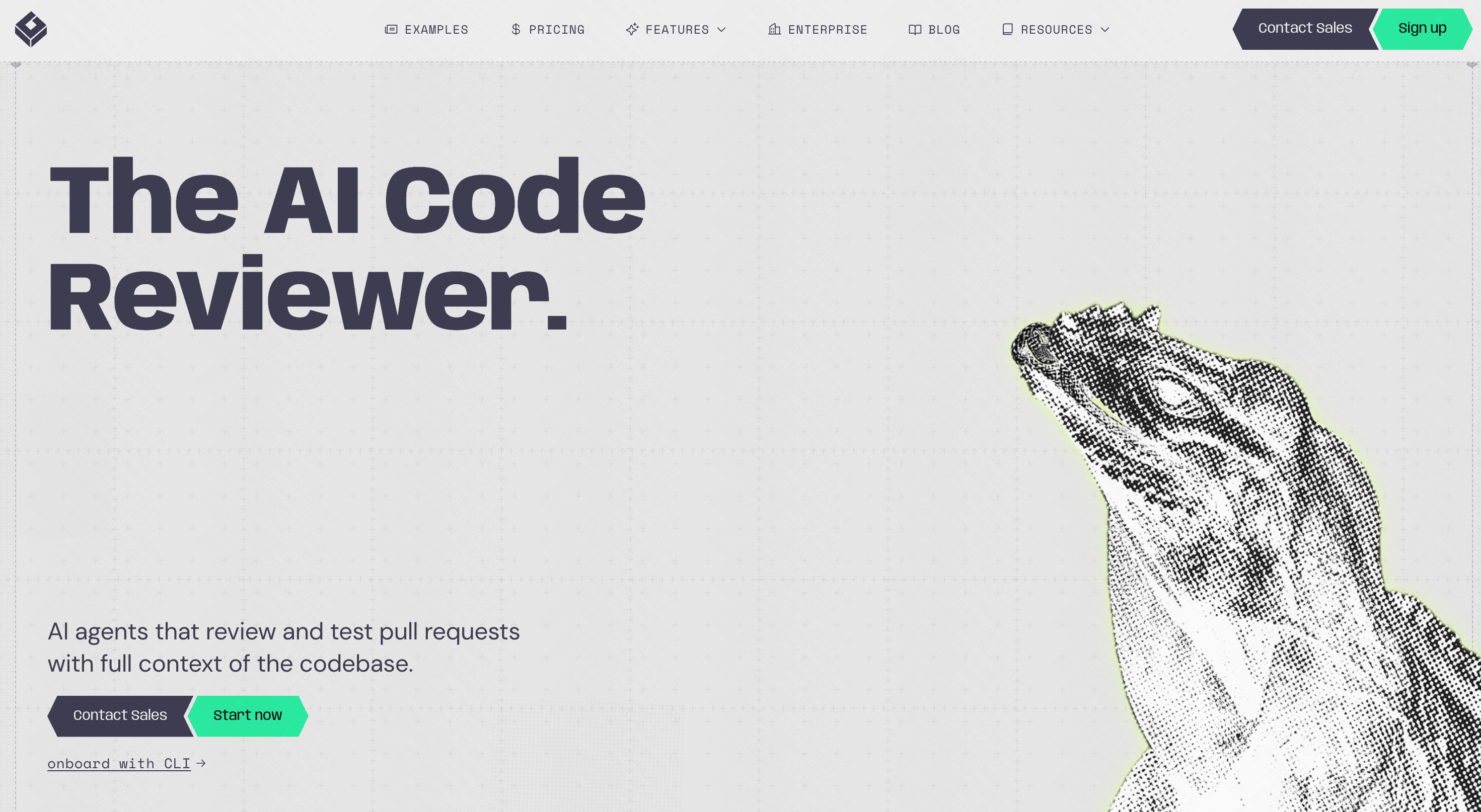
Greptile is built for enterprise engineering teams. It indexes vast codebases to help AI agents understand undocumented code and deep logic.
Key Features
- Deep AST integration.
- PR (Pull Request) review automation memory.
- Enterprise-grade security (SOC2).
Pros
- Incredible accuracy on large-scale enterprise code.
- Understands complex software architectures.
Cons
- Very expensive for solo developers.
- Setup requires onboarding calls.
Pricing
$30/seat/month.
10. Weaviate
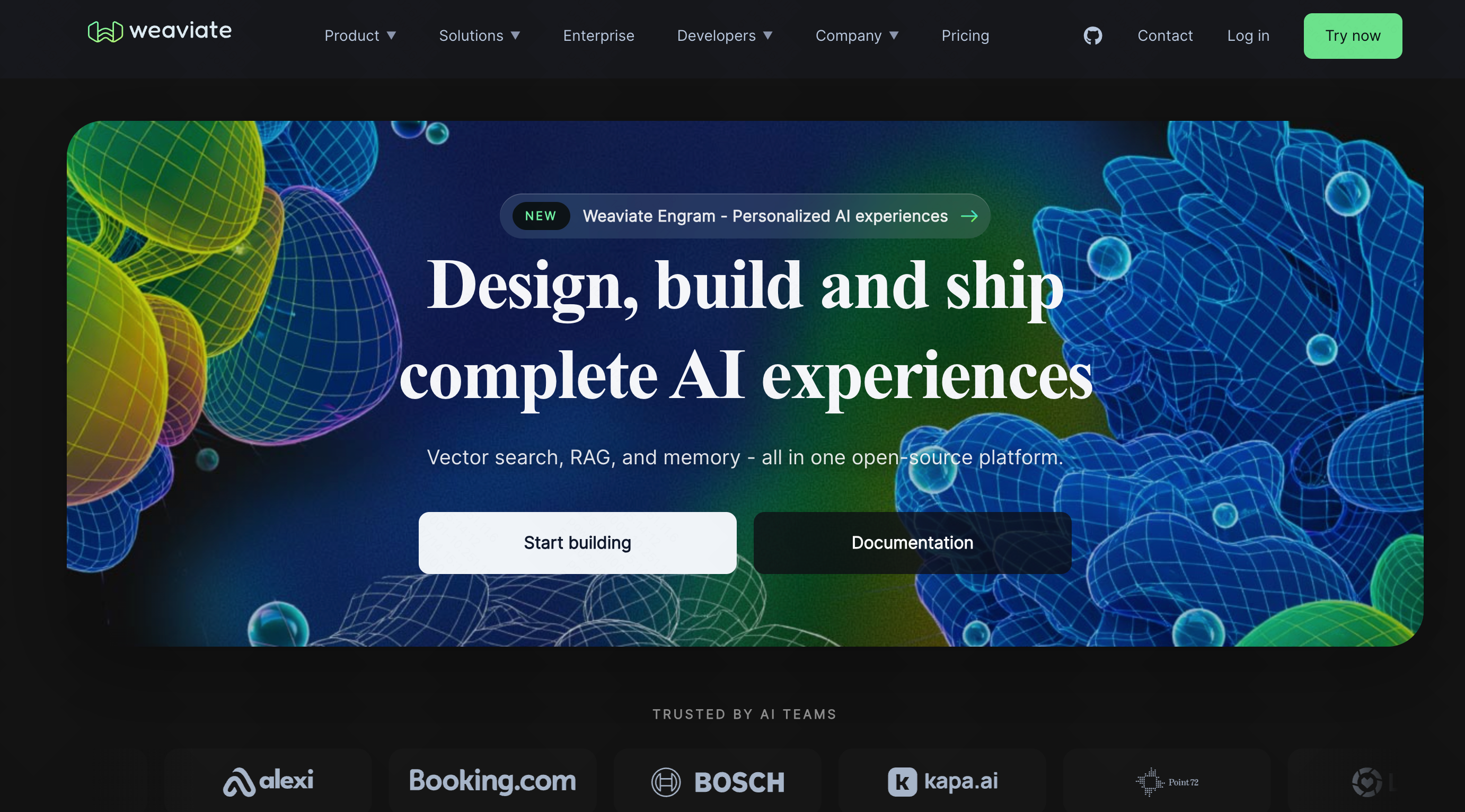
Weaviate is a top-tier open-source vector database that many developers use as the foundational layer to build their own custom memory stacks for coding agents.
Key Features
- Lightning-fast vector similarity search.
- Built-in machine learning modules.
- Scalable to billions of objects.
Pros
- Maximum control over how memory is stored and retrieved.
- Massive community and ecosystem.
Cons
- It is a database, not a ready-to-use coding tool.
- Requires significant engineering to integrate with Cursor.
Pricing
Start at $45/month.
How We Tested These AI Memory Tools
To ensure our 2026 rankings are accurate, we tested these platforms directly alongside Cursor and Claude Code. We loaded a 500,000-line full-stack repository and measured three key metrics: retrieval accuracy (did the agent fetch the right files?), latency (how long did it take to inject context?), and integration ease. Tools that required zero friction to plug into an active IDE scored the highest.
How to Choose the Best Tool for Your Workflow
Choosing the right memory tool depends entirely on your technical requirements. If you are building custom data pipelines from scratch, leveraging a vector database like Weaviate or a graph tool like Neo4j is a solid choice. If you manage a massive Fortune 500 codebase, Greptile's enterprise features might be necessary.
However, if you want a tool that "just works", one that bridges seamlessly with Cursor and Claude Code right out of the box while permanently curing your agent's amnesia, MemoryLake stands far above the rest. It provides the perfect balance of raw power, semantic accuracy, and effortless setup.
Final Verdict
The era of copy-pasting the same functions into your AI assistant is over. While all the tools on this list offer unique advantages, MemoryLake is the undisputed champion for software developers. With its unparalleled ability to keep coding agents perfectly in sync with your codebase, MemoryLake will transform how you build software. Try MemoryLake today and give your AI the permanent memory it deserves.